dsamain.exe was not installed on my workstation, first, let’s get it by installing AD LDS:
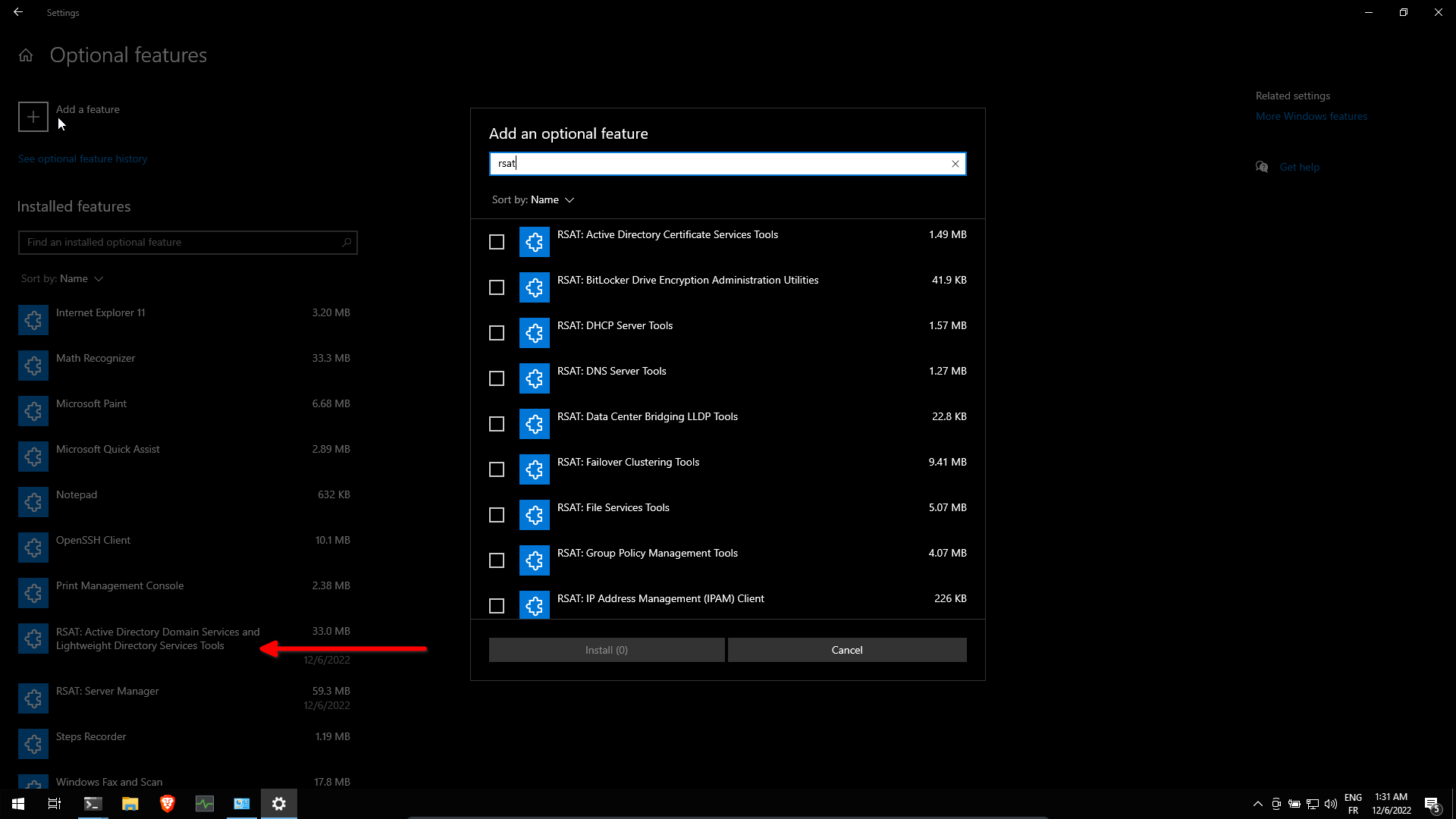
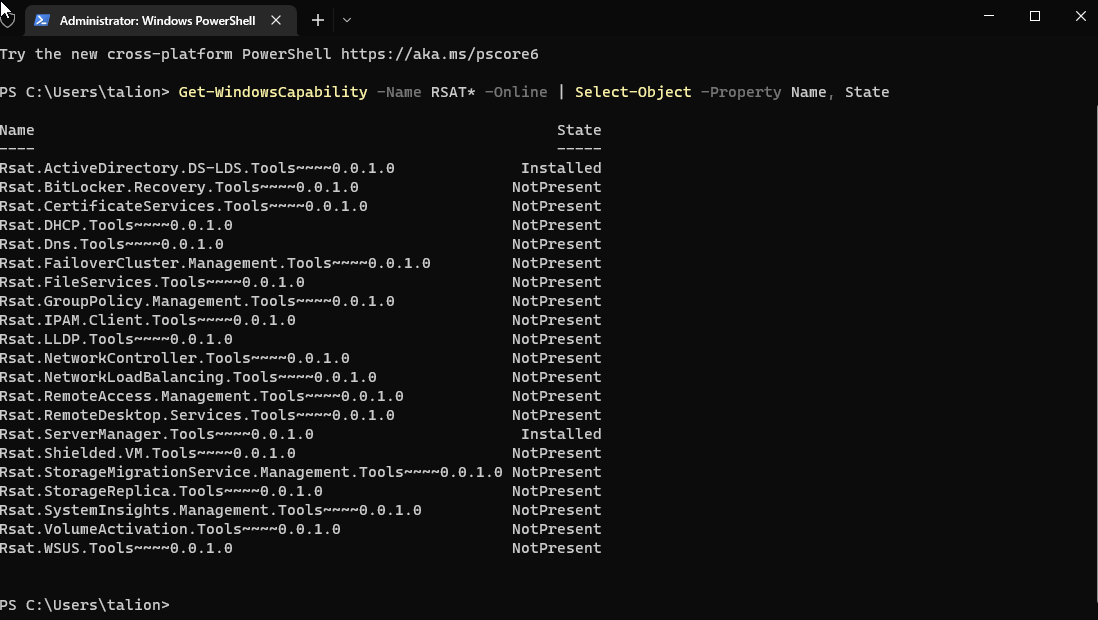 Now AD LDS is installed, after a reboot we can run
 dsamain.exe
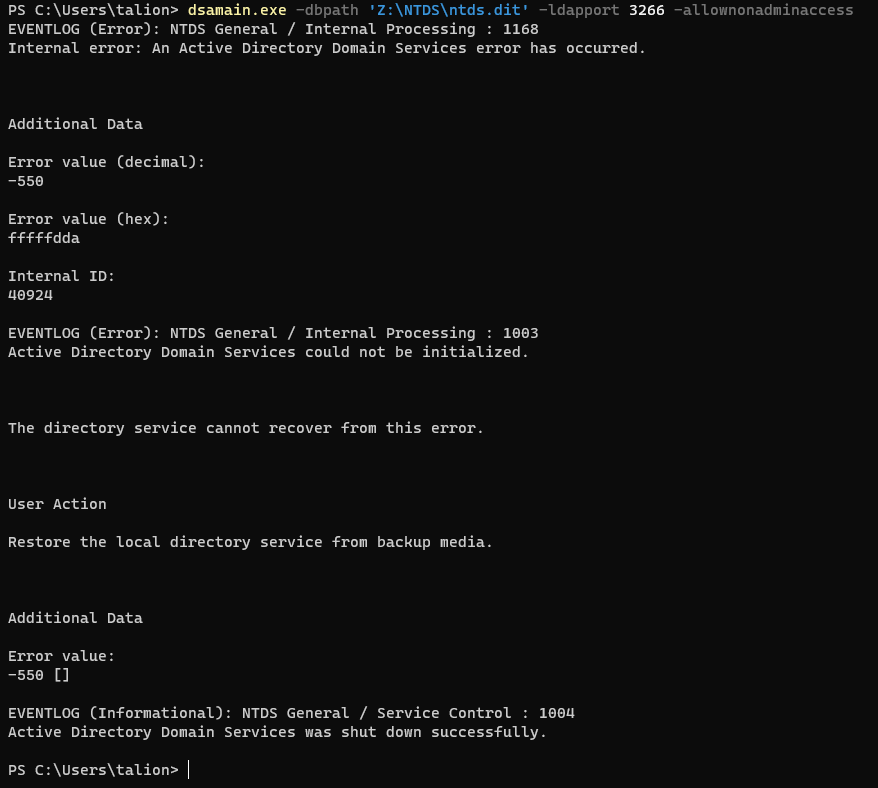
We can try to mount the ntds.dit database, but unfortunately we got a -550 error
referring to this site : https://shulerent.com/tag/dsamain/
it says:
Because my AD database copy was taken in a “naughty” manner, the solution to this issue is to use the esentutl utility to recover the database (apply the log files) then repair the database.
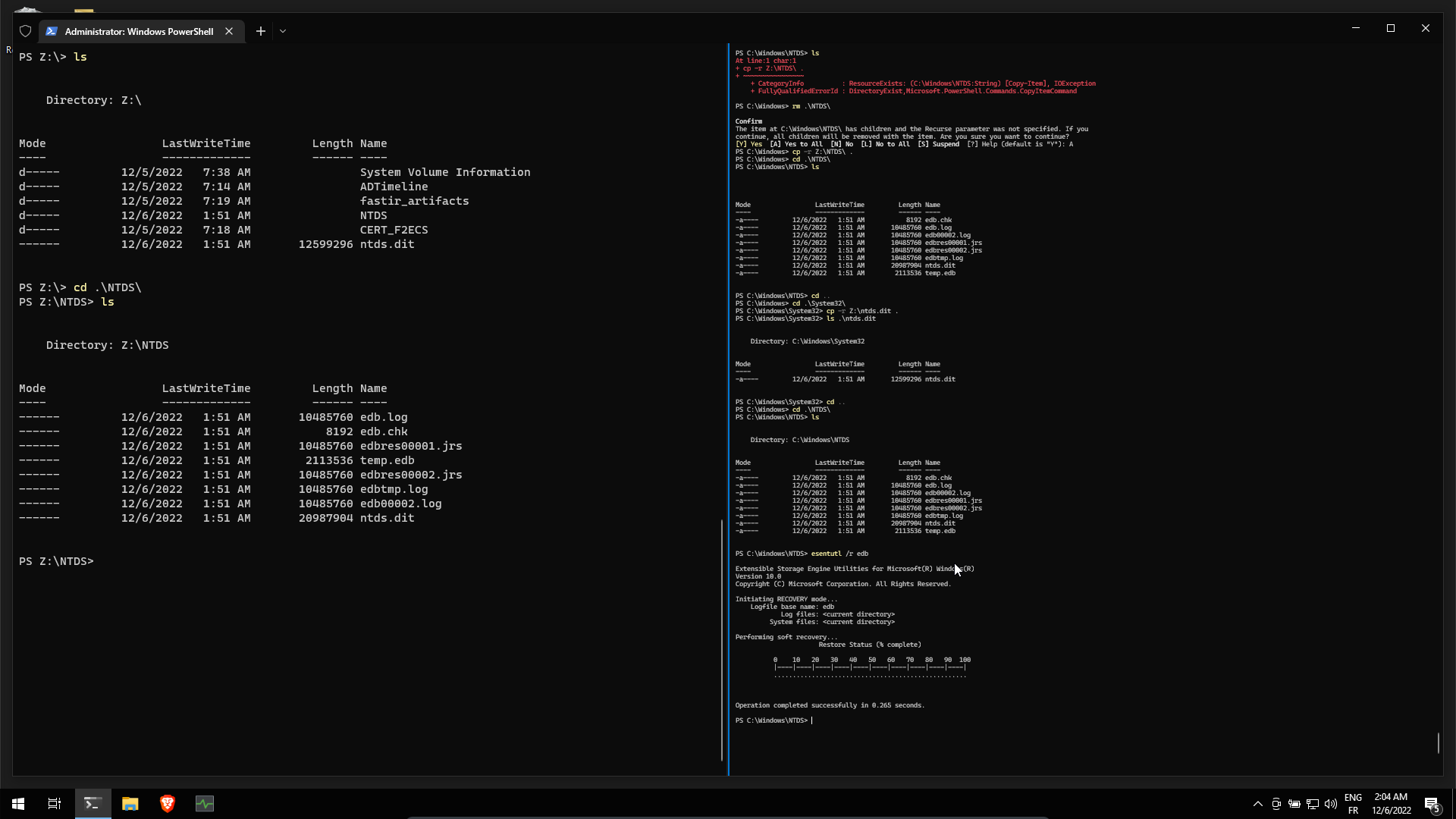
Lets copy from DC01 C:\Windows\System32\ntds.dit and C:\Windows\NTDS\ in our windows 10 workstation.
Then use esentutl /r edb in C:\Windows\NTDS\ to restore the database.
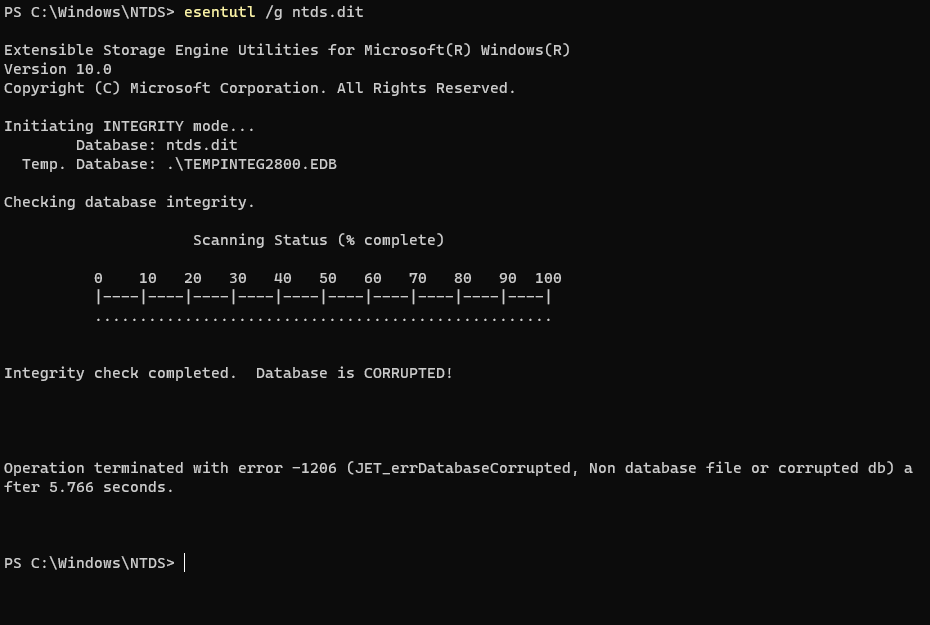
checking integrity … the database is CORRUPTED !
Repair the database
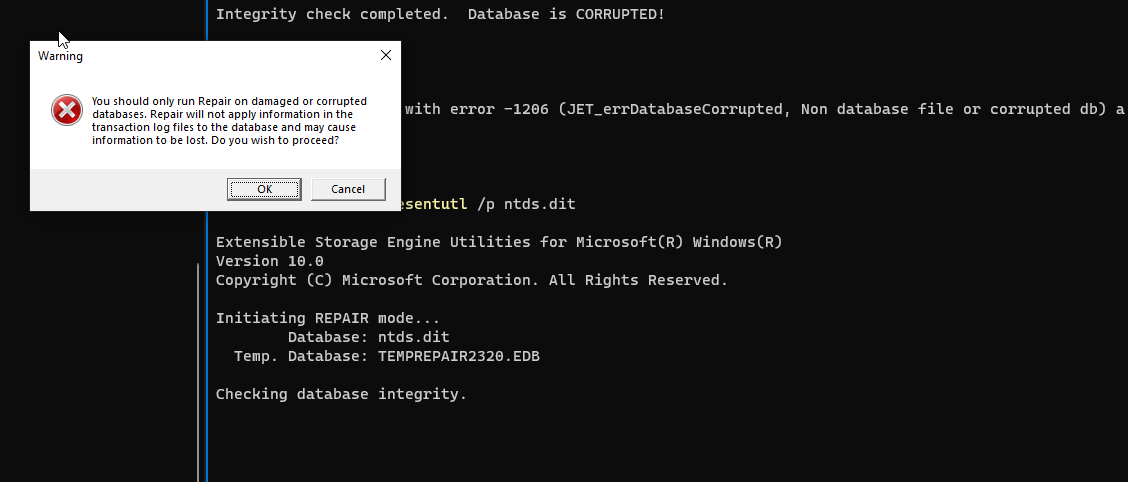 click ok
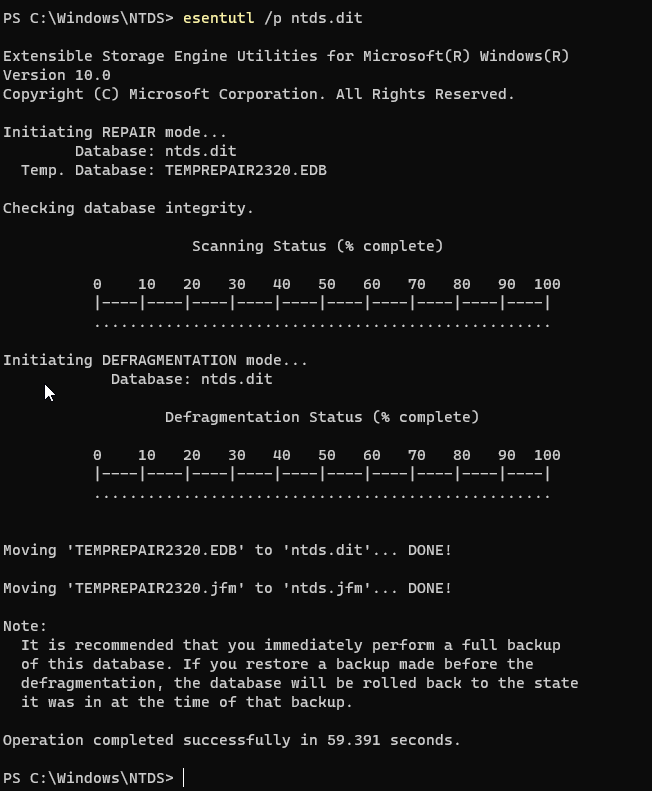 Repaired ! Now the tool advises us to do a backup
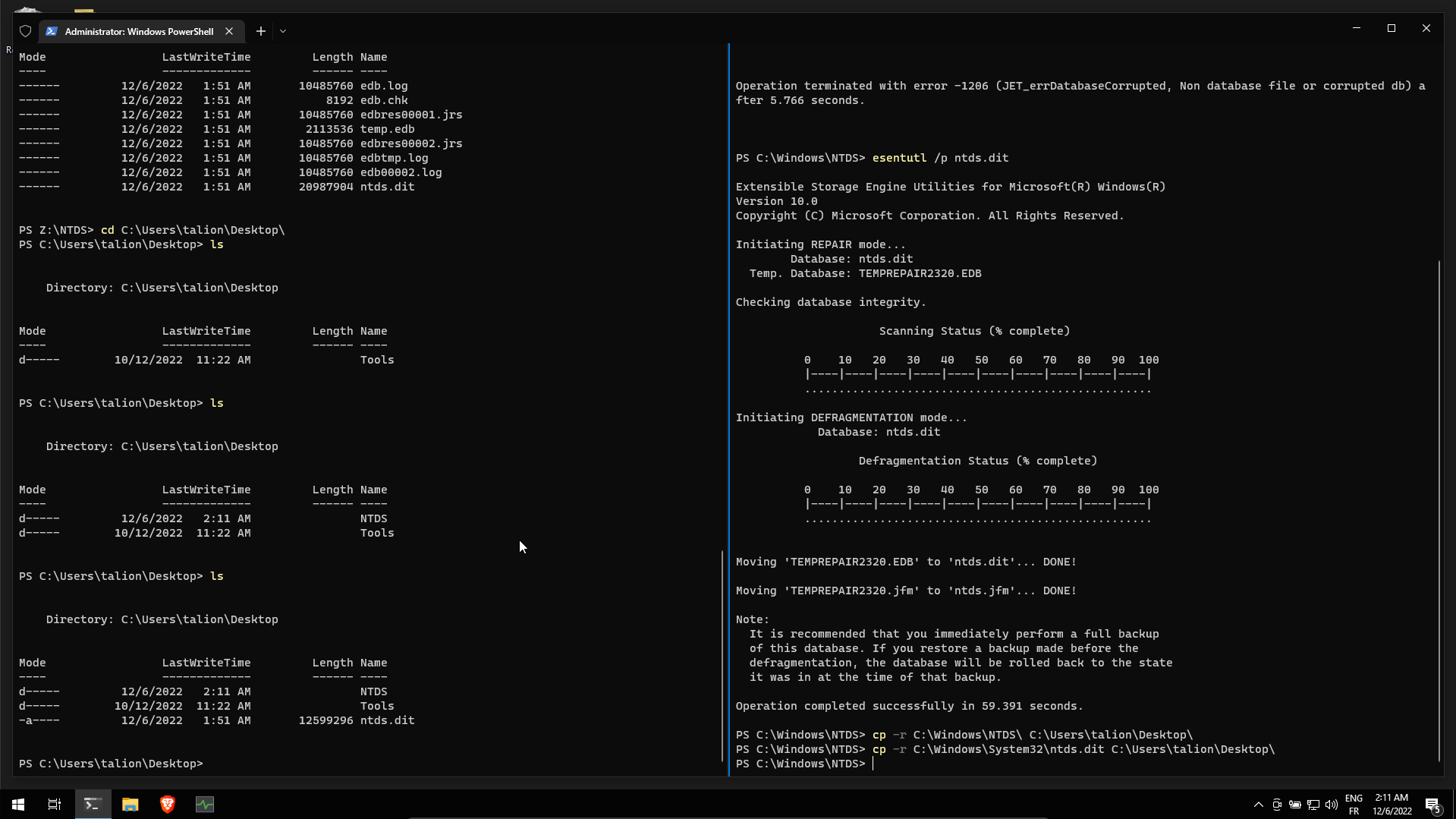 Let’s copy the file and folder on our desktop
Let’s try to run dsamain.exe on our repaired database:
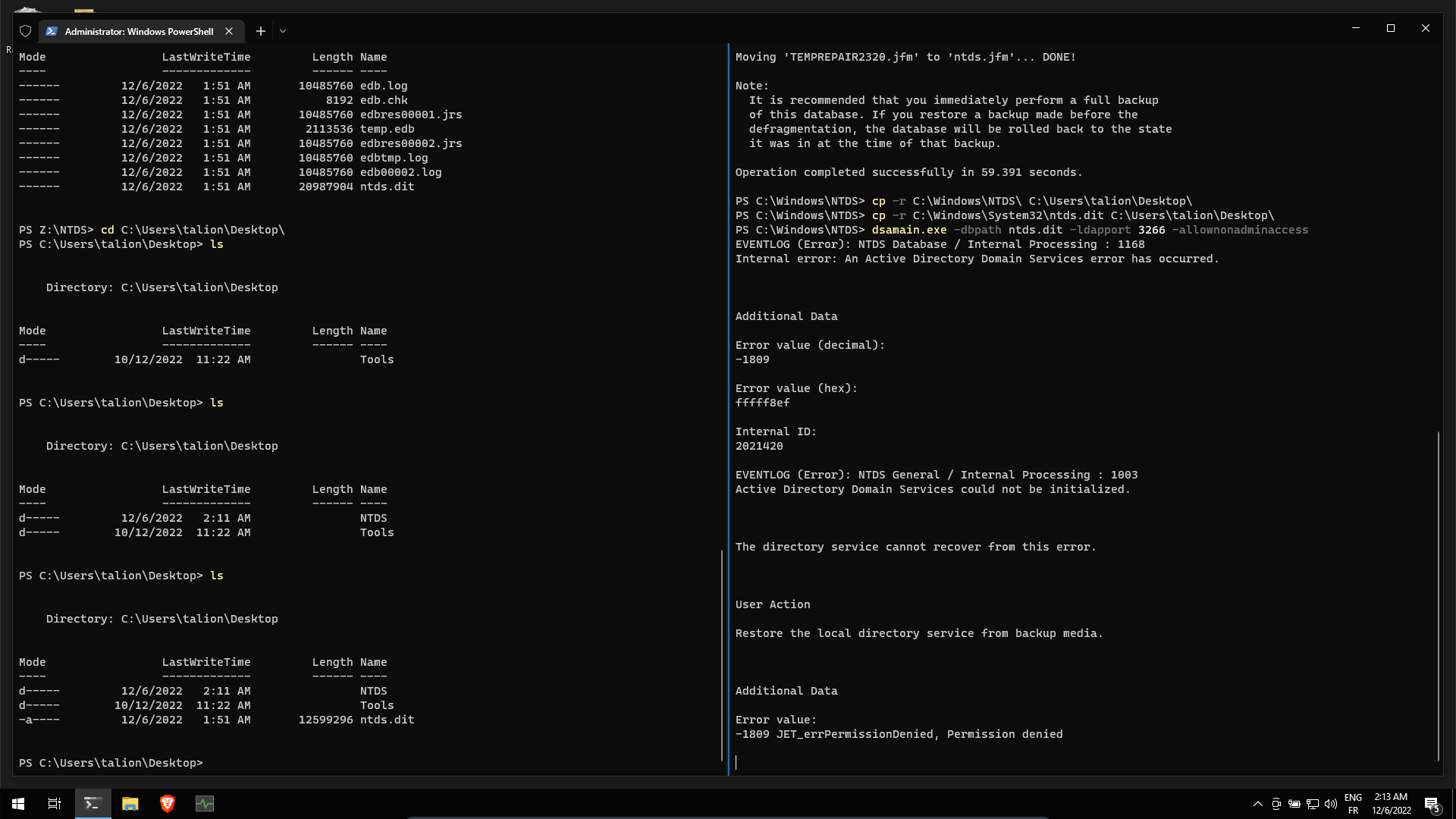 But we got a 1809 error, still referring to the same site : https://shulerent.com/tag/dsamain/
If you are like me, you will get an error along the lines of 1809 JET_errPermissionDenied, Permission denied (meta note: the phrase “JET_errPermissionDenied” was painfully absent from any meaningful pages in the internet before now.)
The solution to this error: use the allowupgrade option when running dsamain. (I’m guessing this is happening because the member server is not running the same exact version of AD DS as the Domain Controller).
So using the following command
dsamain.exe -dbpath ntds.dit -ldapport 3266 -allownonadminaccess -allowupgradeAnd it seems to work !
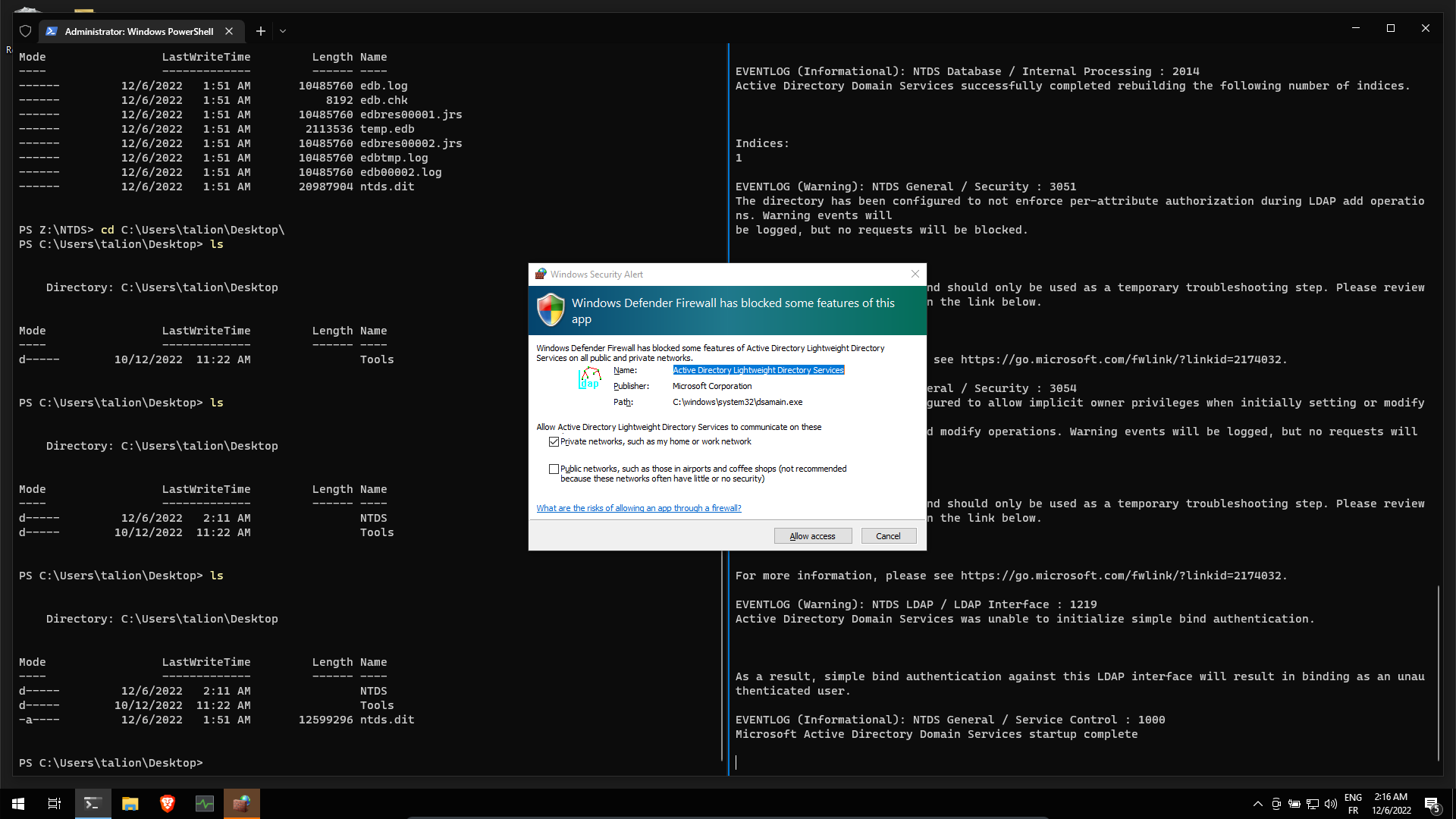
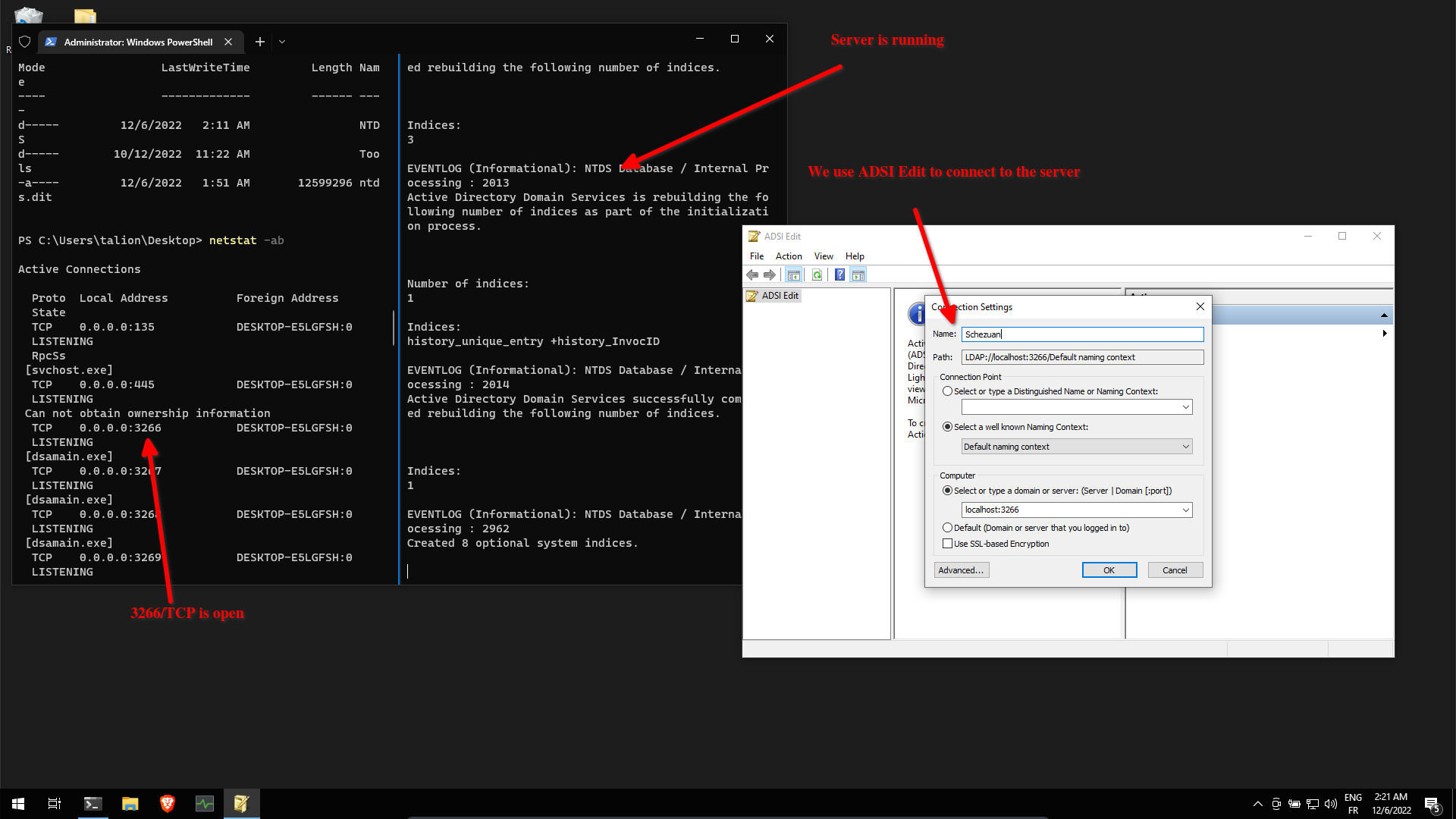
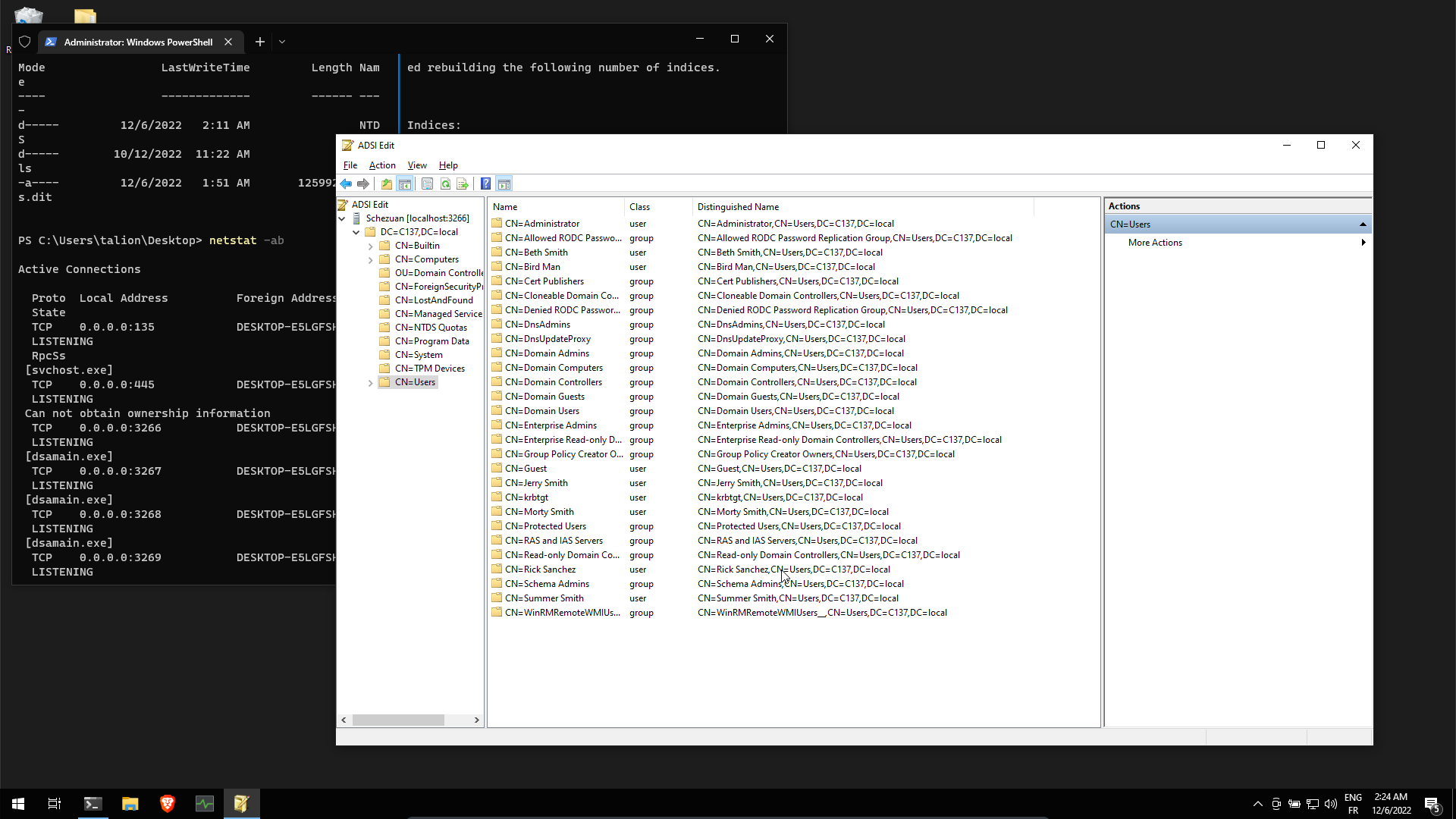
We can browse the AD database !