From the Domain Controller:
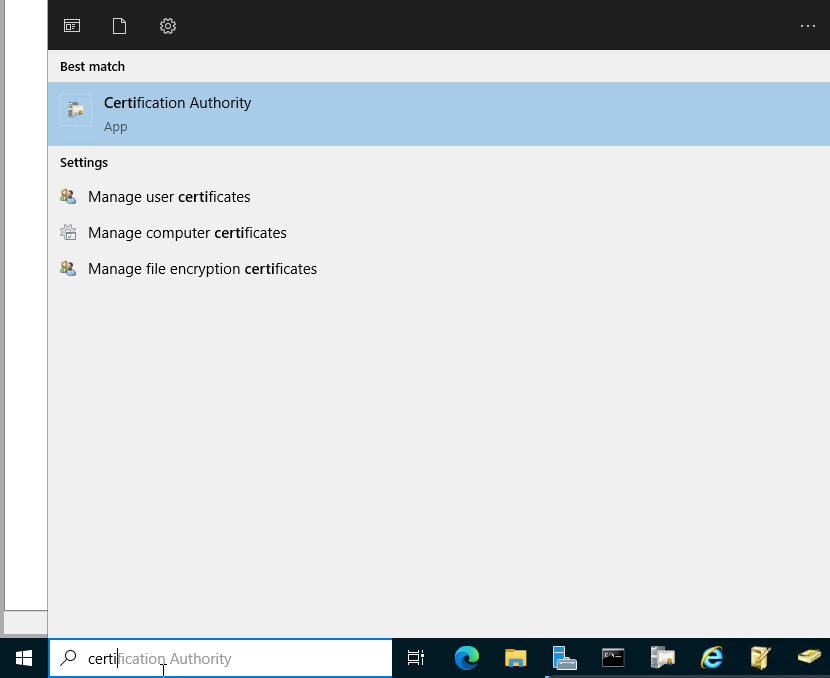
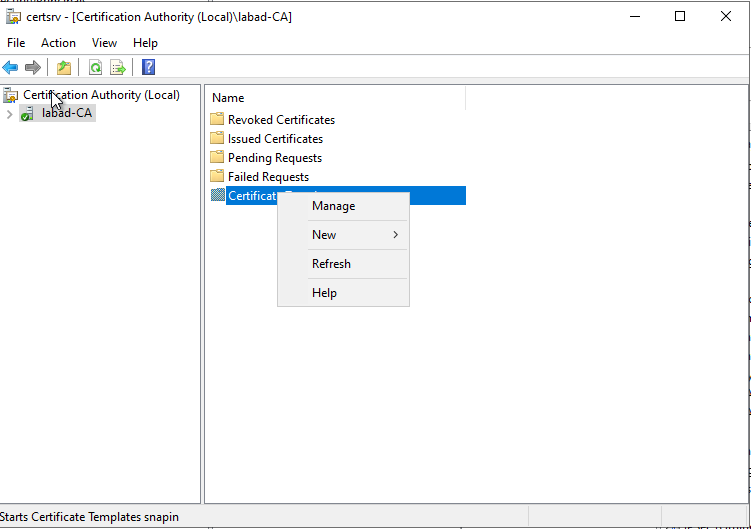
In the Certification Authority tool: “Certificate Templates”
- Right click on “Certificate Templates”.
- Click on “Manage/Manage”
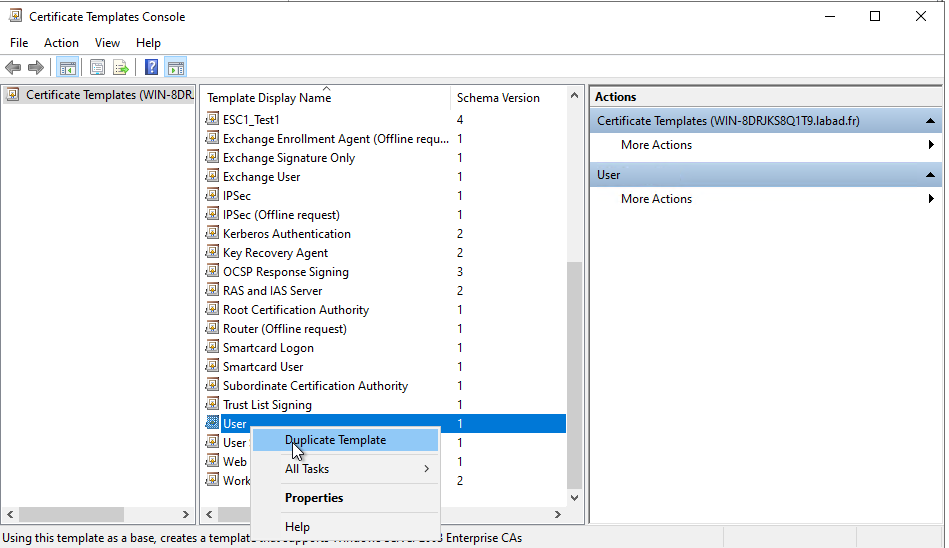
- This opens the certificate template console with the complete list
- We start from a V1, right click on it > Duplicate
- We modify…
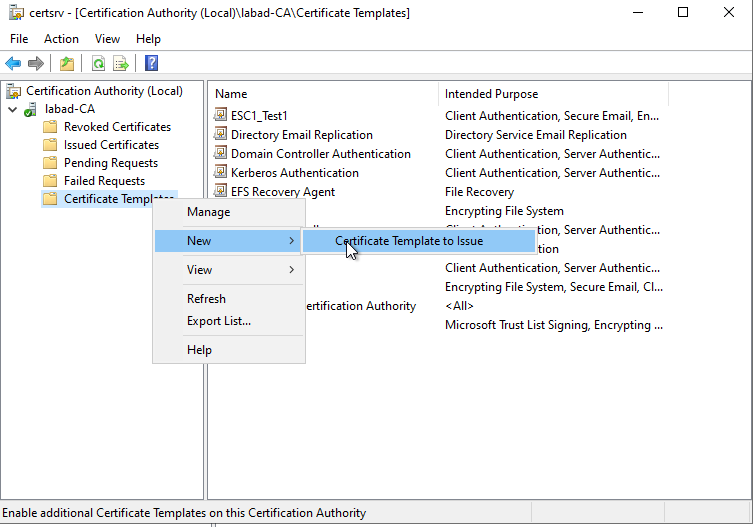
- Then we go back to the tree “Certificate Templates” by making a right click
- Click on “New” > “Certificate Template to be issued”
- We select the template created just before
The client can then potentially make a certificate request with this template.
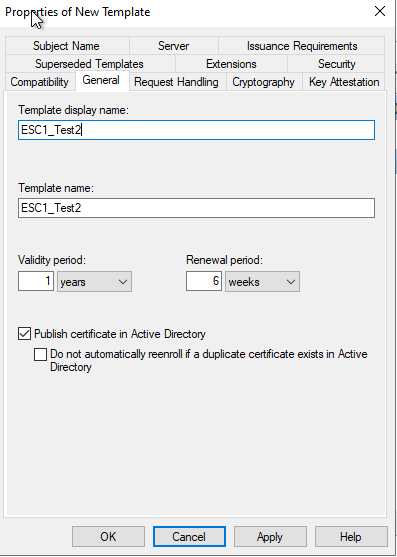
Give it a name
 Then we go back to the “Certificate Templates” tree by doing a right click
Click on “New” > “Certificate Template to issue”.
Then we go back to the “Certificate Templates” tree by doing a right click
Click on “New” > “Certificate Template to issue”.
We select the template created just before
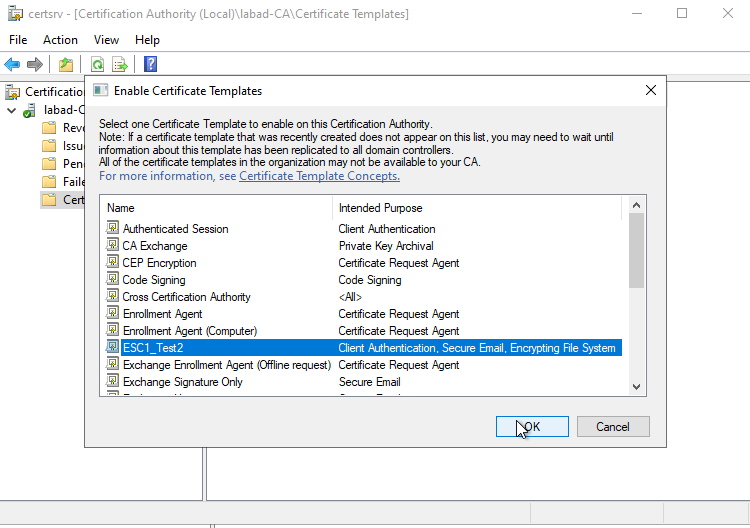 The client can then potentially apply for a certificate with this template
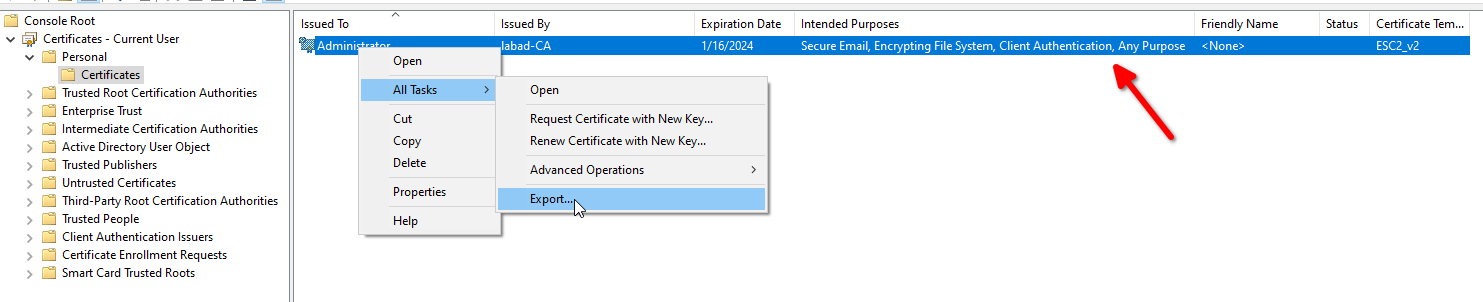
We can then export it (and can we see that this certificate can be used for any purpose)