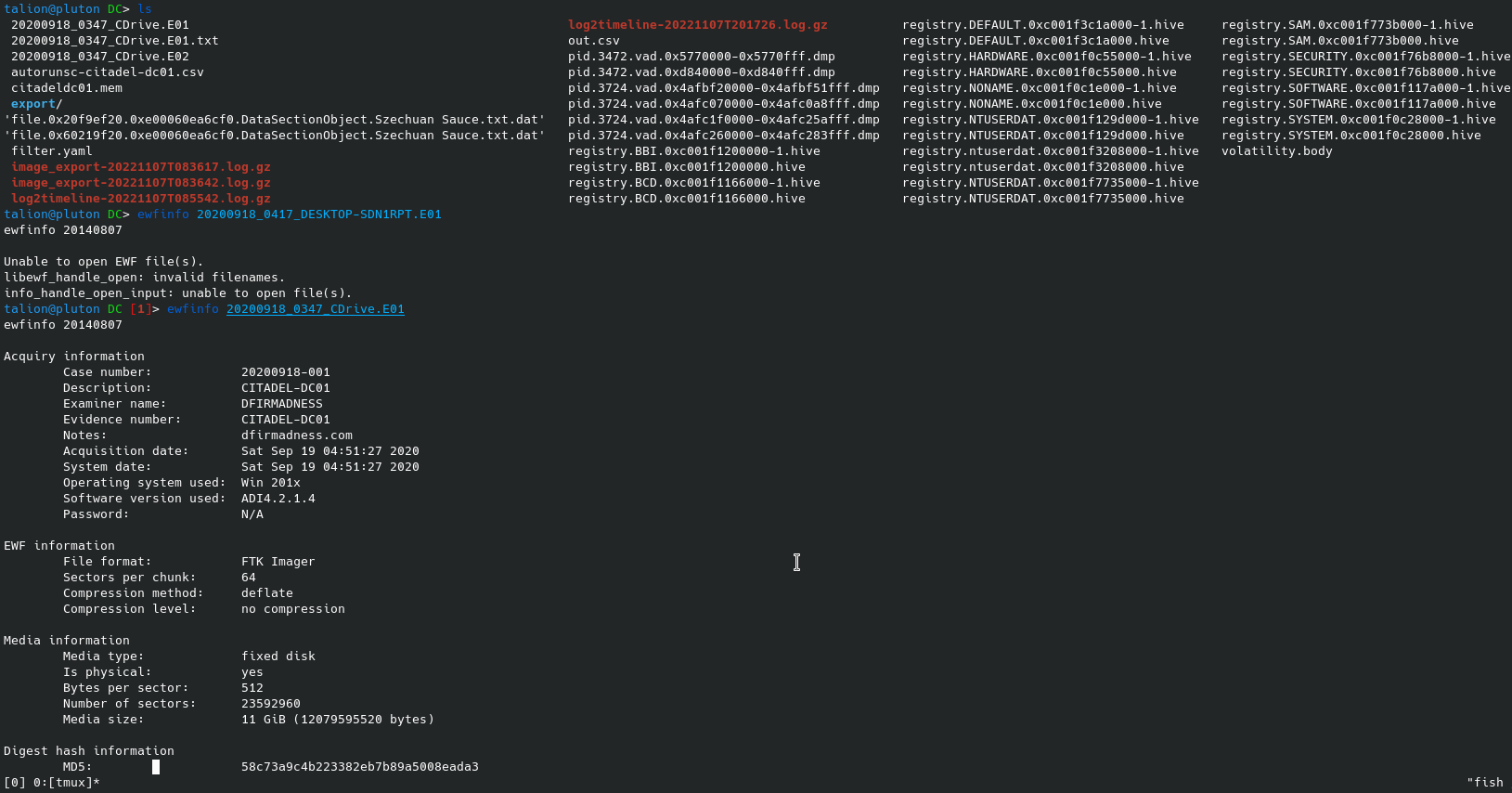
mounting disk
Link to original
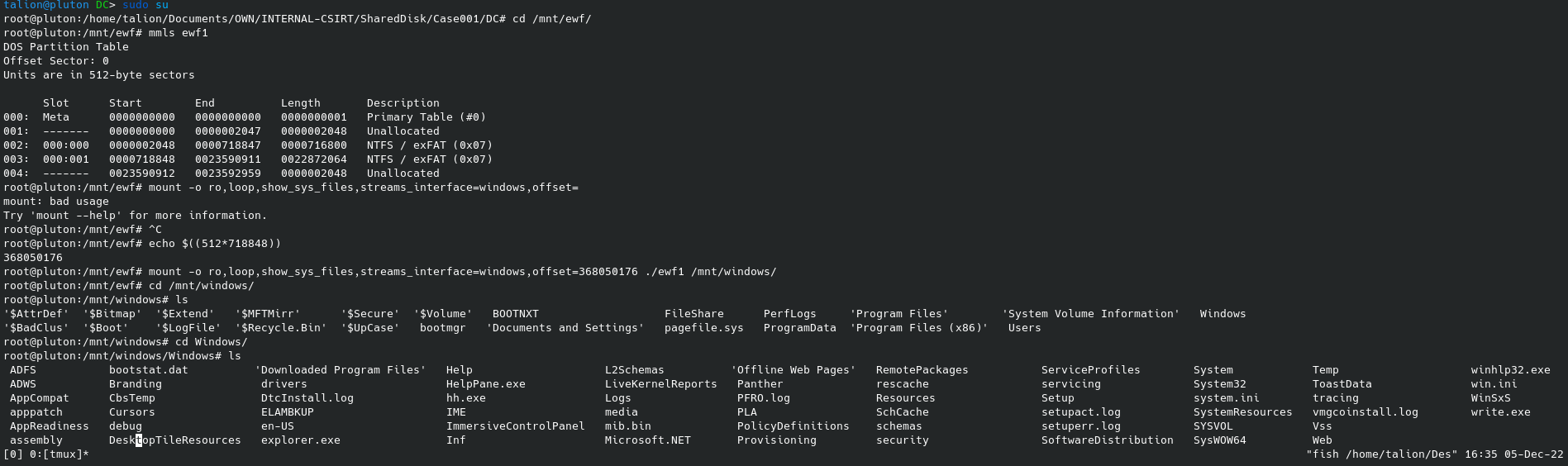
Setup AD LDS on win10
dsamain.exewas not installed on my workstation, first, let’s get it by installing AD LDS: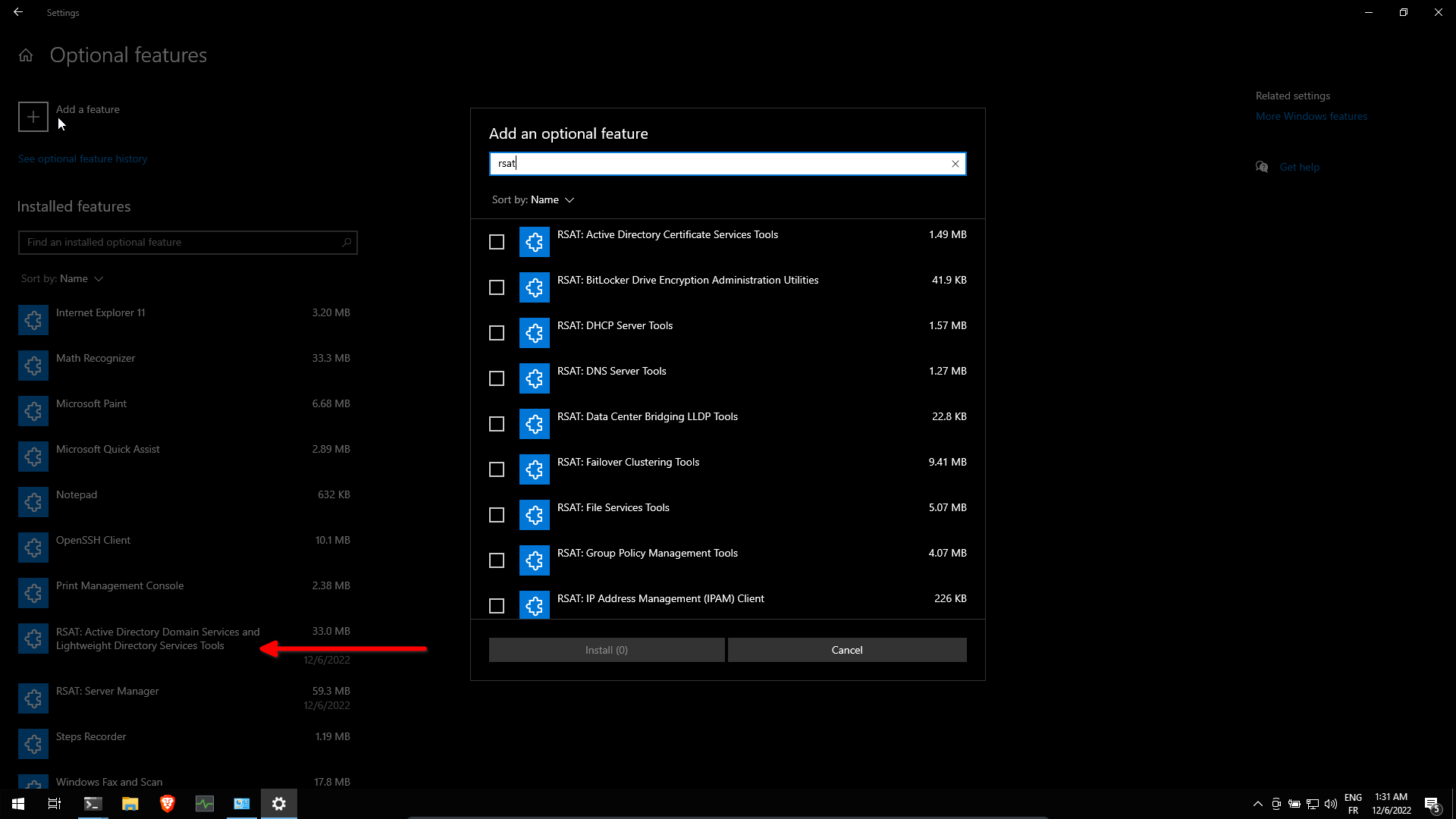
Now AD LDS is installed, after a reboot we can run
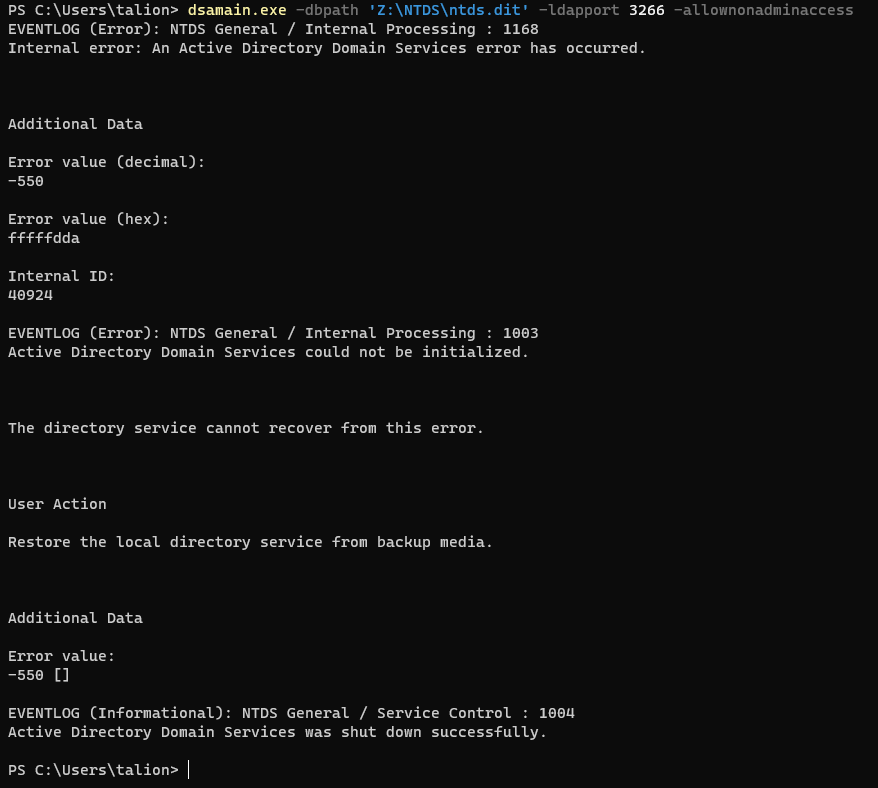
dsamain.exeWe can try to mount the ntds.dit database, but unfortunately we got a -550 error
referring to this site : https://shulerent.com/tag/dsamain/
it says:
Because my AD database copy was taken in a “naughty” manner, the solution to this issue is to use the esentutl utility to recover the database (apply the log files) then repair the database.
Lets copy from DC01
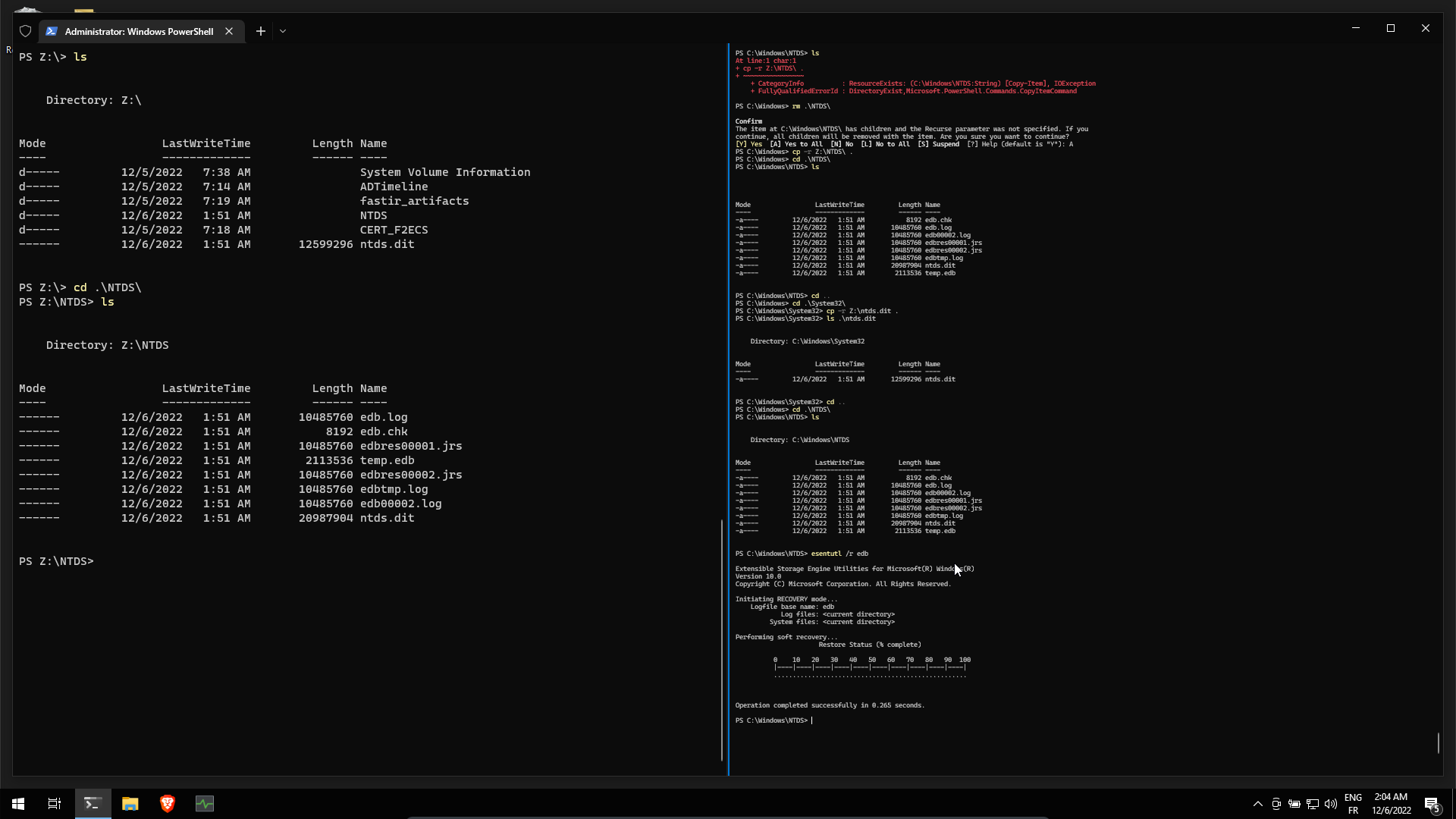
C:\Windows\System32\ntds.ditandC:\Windows\NTDS\in our windows 10 workstation. Then useesentutl /r edbinC:\Windows\NTDS\to restore the database.
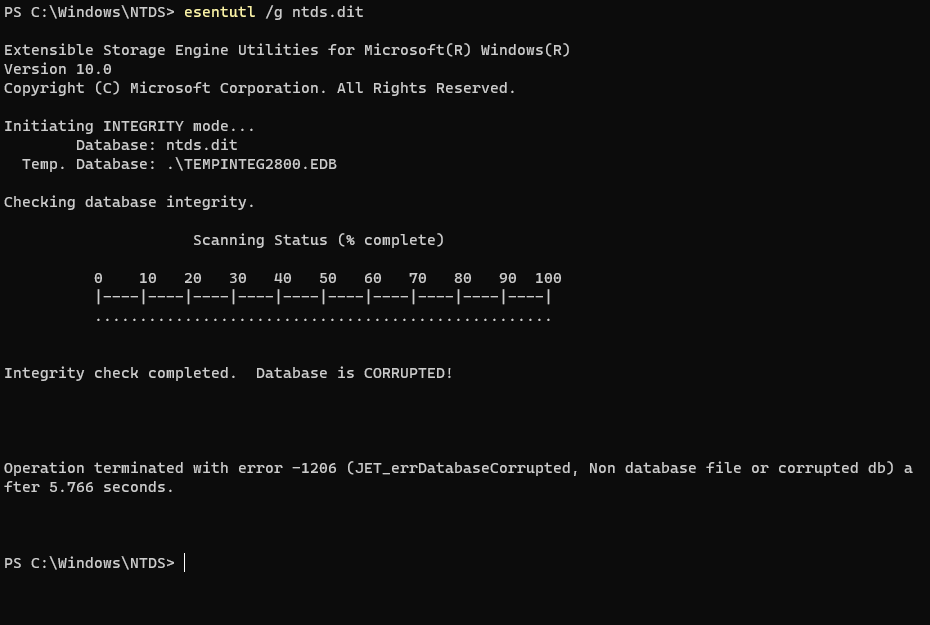
checking integrity … the database is CORRUPTED !
Repair the database
click ok
Repaired ! Now the tool advises us to do a backup
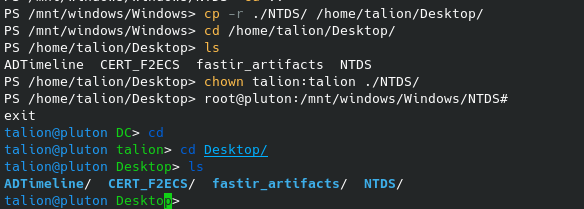
Let’s copy the file and folder on our desktop
Let’s try to run
dsamain.exeon our repaired database:But we got a 1809 error, still referring to the same site : https://shulerent.com/tag/dsamain/
If you are like me, you will get an error along the lines of 1809 JET_errPermissionDenied, Permission denied (meta note: the phrase “JET_errPermissionDenied” was painfully absent from any meaningful pages in the internet before now.)
The solution to this error: use the allowupgrade option when running dsamain. (I’m guessing this is happening because the member server is not running the same exact version of AD DS as the Domain Controller).
So using the following command
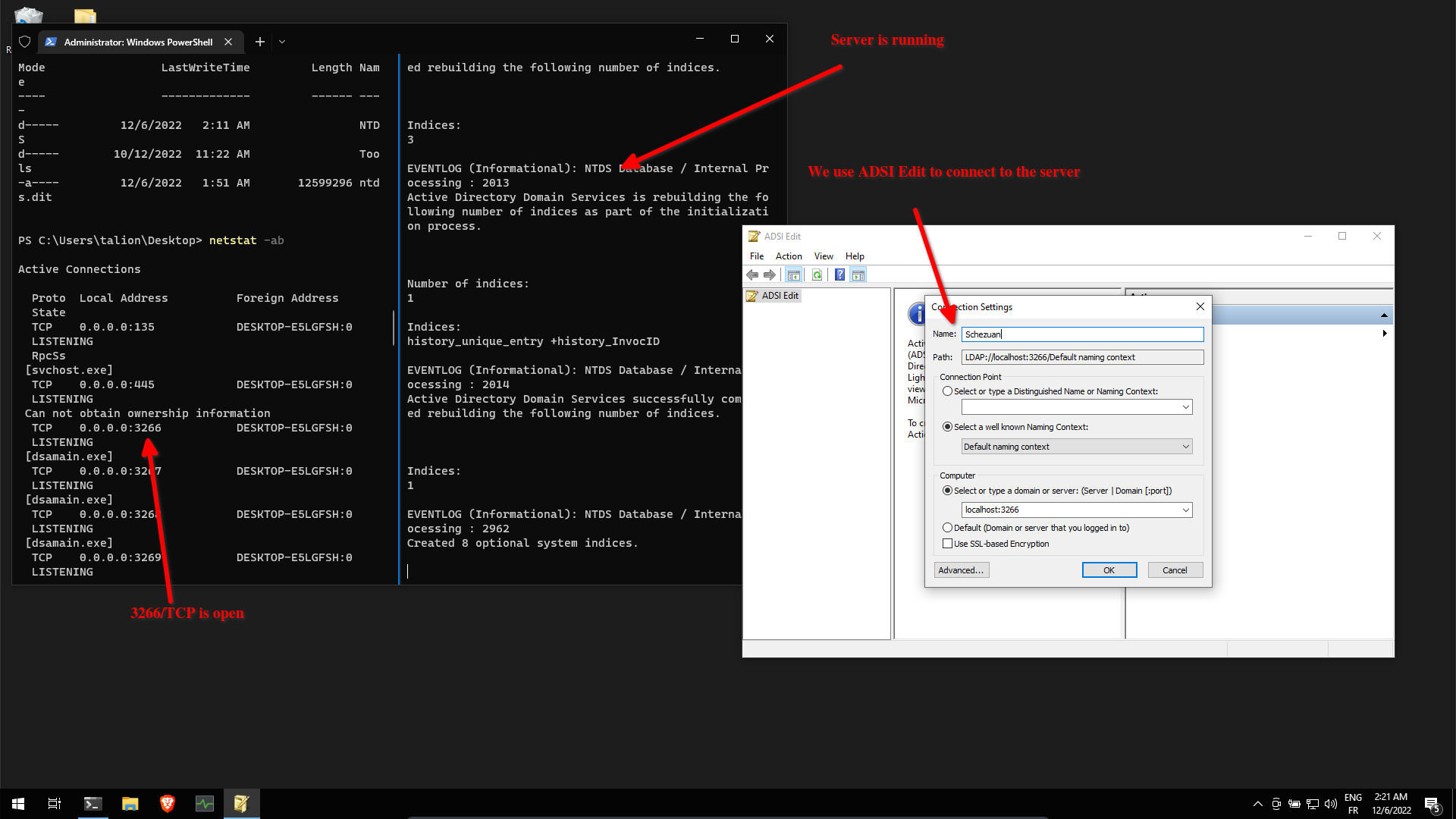
dsamain.exe -dbpath ntds.dit -ldapport 3266 -allownonadminaccess -allowupgradeAnd it seems to work !
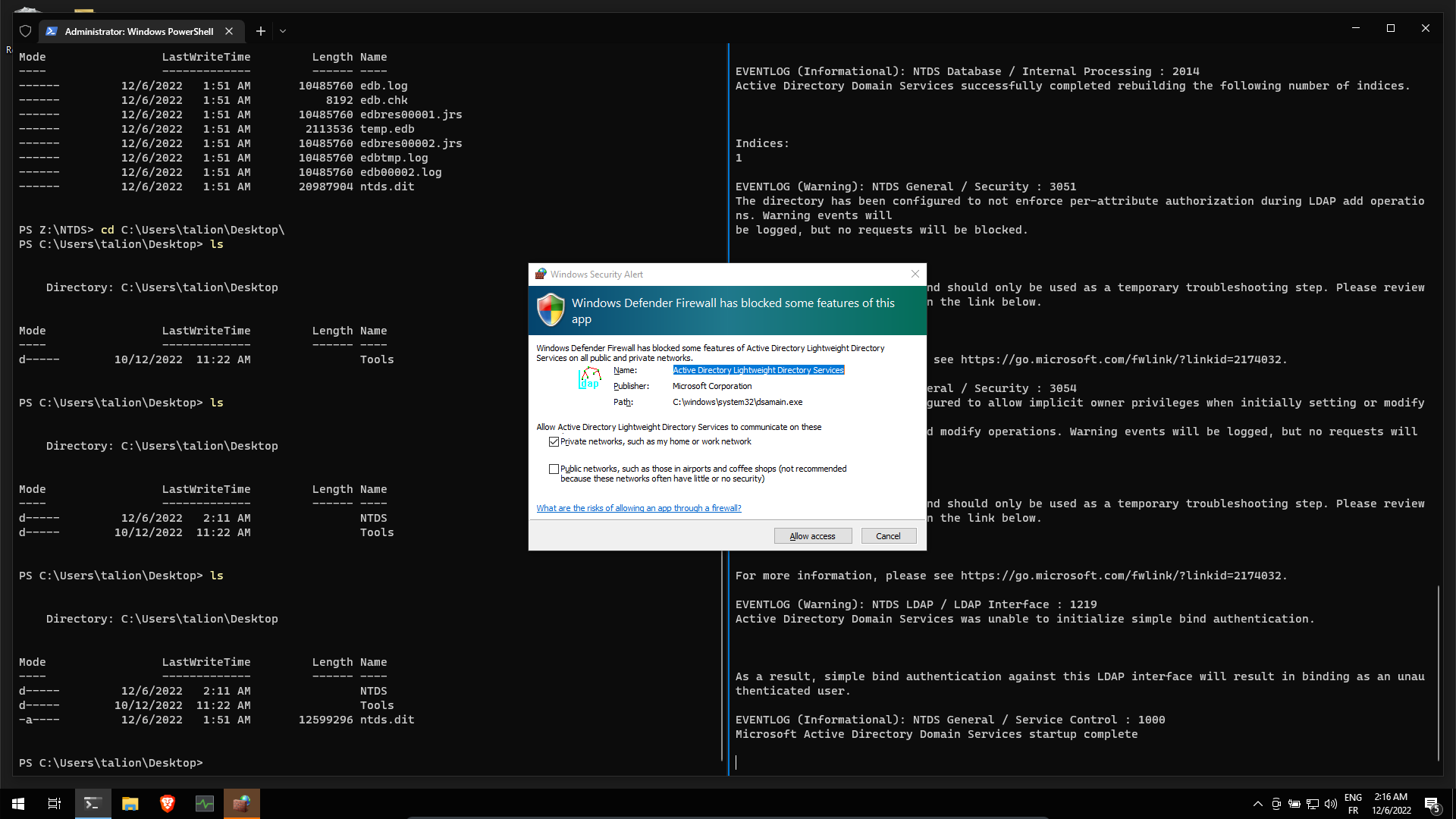
We can browse the AD database !
Link to original
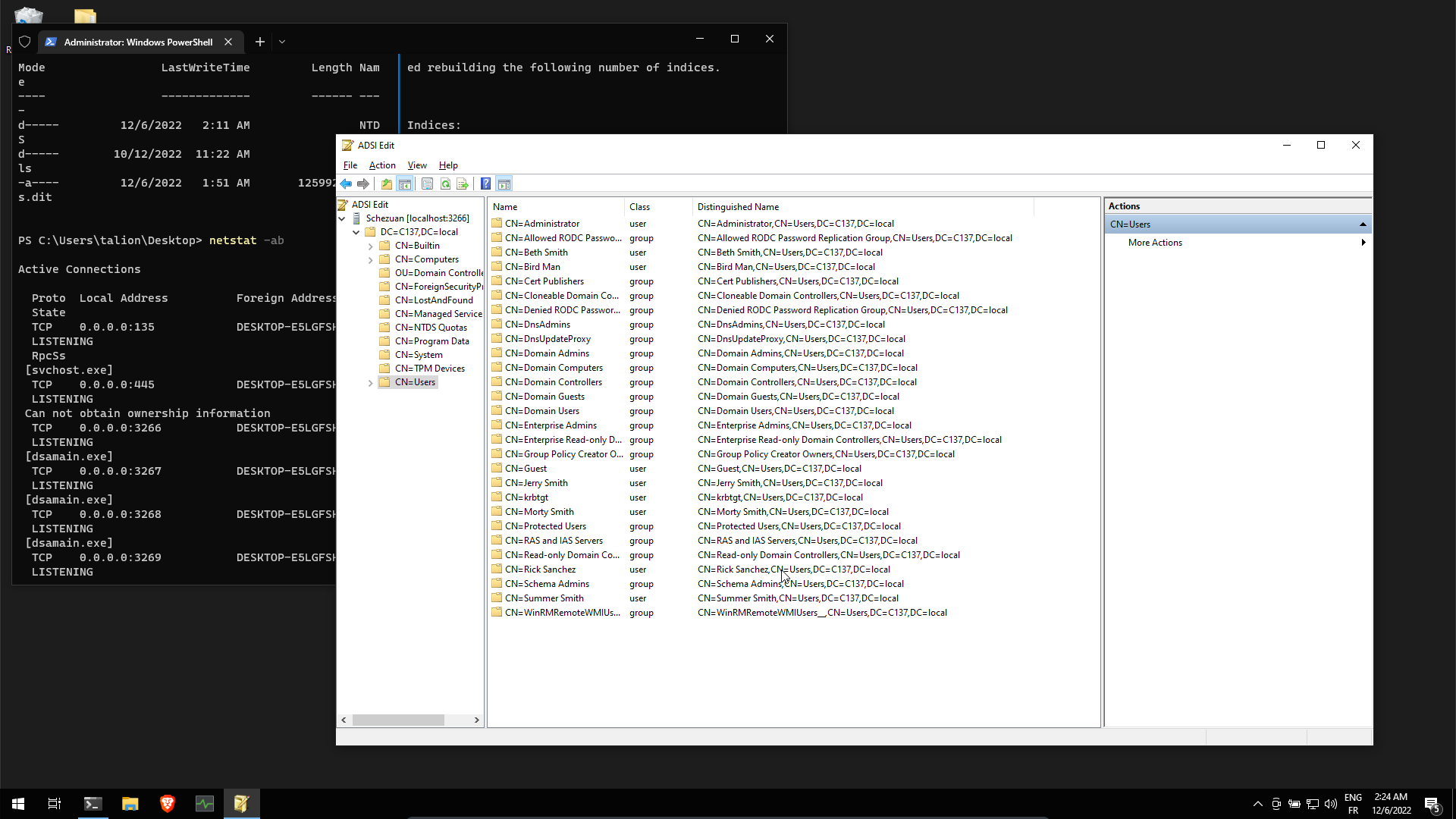
Querying the AD
After struggling referring to this issue : https://github.com/ANSSI-FR/ADTimeline/issues/10, I figured out that I need to redo the Setup AD LDS on win10 but this time on a Windows Server
see Redo AD LDS on windows server 2019
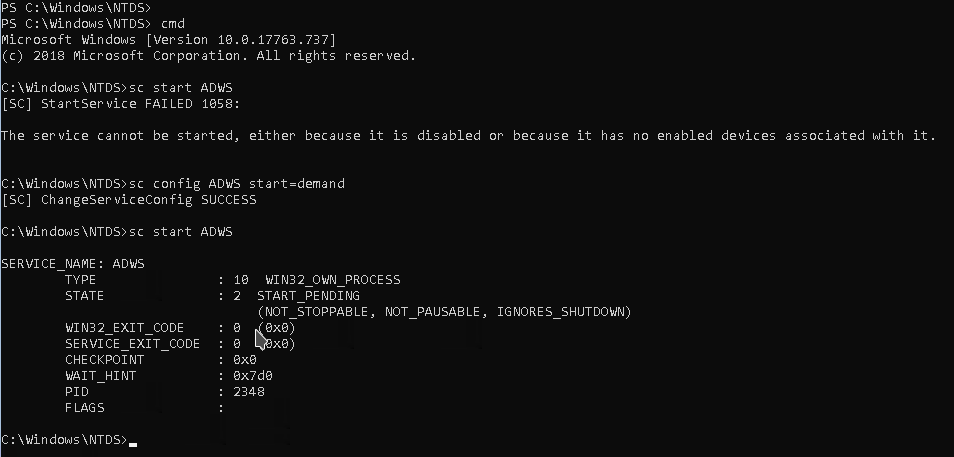
Then ensure thas ADWS is running. Start it using :
sc config ADWS start=demandincmd.exe, not powershell !
Check if the service is running:
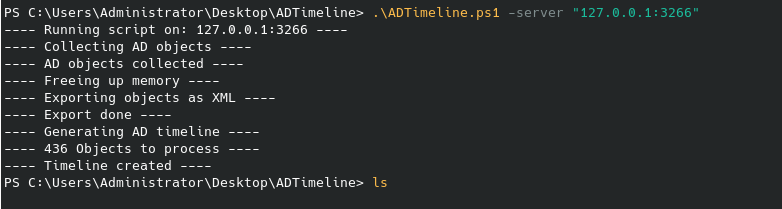
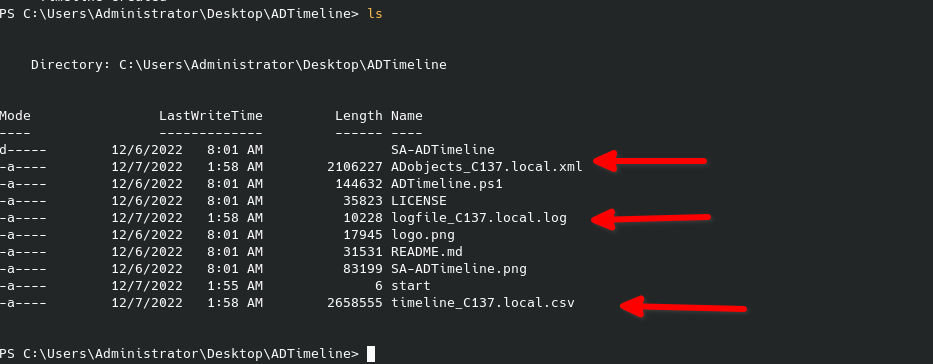
Running ADTimeline
Some files were generated:
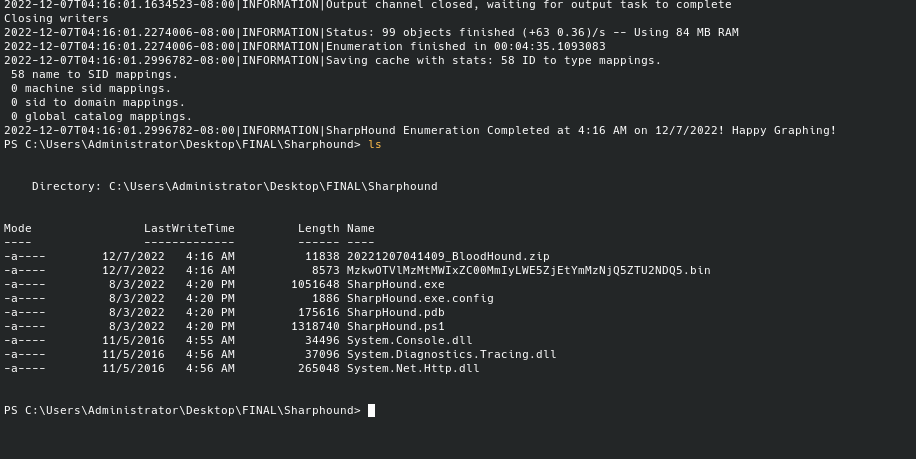
Running SharpHound
PS C:\Users\Administrator\Desktop\FINAL\Sharphound> Import-Module .\SharpHound.ps1
PS C:\Users\Administrator\Desktop\FINAL\Sharphound> Invoke-BloodHound -Domain C137.LOCAL -LdapPort 3266 -DomainContro
ller localhost
2022-12-07T04:07:35.3769449-08:00|INFORMATION|This version of SharpHound is compatible with the 4.2 Release of BloodH
ound
2022-12-07T04:07:35.4780431-08:00|INFORMATION|Resolved Collection Methods: Group, LocalAdmin, Session, Trusts, ACL, C
ontainer, RDP, ObjectProps, DCOM, SPNTargets, PSRemote
2022-12-07T04:07:35.4941353-08:00|INFORMATION|Initializing SharpHound at 4:07 AM on 12/7/2022
2022-12-07T04:07:35.5424897-08:00|INFORMATION|Flags: Group, LocalAdmin, Session, Trusts, ACL, Container, RDP, ObjectP
rops, DCOM, SPNTargets, PSRemote
2022-12-07T04:07:40.1279714-08:00|ERROR|[CommonLib ACLProc]BuildGUIDCache - Unable to resolve forest
2022-12-07T04:07:44.7520112-08:00|ERROR|[CommonLib ACLProc]BuildGUIDCache - Unable to resolve forest
[...]
2022-12-07T04:11:21.5502959-08:00|ERROR|[CommonLib ACLProc]BuildGUIDCache - Unable to resolve forest
2022-12-07T04:11:26.1332731-08:00|ERROR|[CommonLib ACLProc]BuildGUIDCache - Unable to resolve forest
2022-12-07T04:11:26.1332731-08:00|INFORMATION|Beginning LDAP search for C137.LOCAL
2022-12-07T04:11:26.1635482-08:00|INFORMATION|Producer has finished, closing LDAP channel
2022-12-07T04:11:26.1992167-08:00|INFORMATION|LDAP channel closed, waiting for consumers
2022-12-07T04:11:56.7005663-08:00|INFORMATION|Status: 0 objects finished (+0 0)/s -- Using 81 MB RAM
2022-12-07T04:12:10.2034739-08:00|WARNING|[CommonLib LDAPUtils]Error getting forest, ENTDC sid is likely incorrect
2022-12-07T04:12:26.7121038-08:00|INFORMATION|Status: 0 objects finished (+0 0)/s -- Using 83 MB RAM
2022-12-07T04:12:57.7247044-08:00|INFORMATION|Status: 0 objects finished (+0 0)/s -- Using 83 MB RAM
2022-12-07T04:13:28.7329556-08:00|INFORMATION|Status: 0 objects finished (+0 0)/s -- Using 83 MB RAM
2022-12-07T04:13:59.7509699-08:00|INFORMATION|Status: 0 objects finished (+0 0)/s -- Using 83 MB RAM
2022-12-07T04:14:09.6387459-08:00|WARNING|[CommonLib LDAPUtils]Error getting forest, ENTDC sid is likely incorrect
[...]
2022-12-07T04:16:00.1286938-08:00|WARNING|[CommonLib LDAPUtils]Error getting forest, ENTDC sid is likely incorrect
2022-12-07T04:16:00.1452701-08:00|WARNING|[CommonLib LDAPUtils]Error getting forest, ENTDC sid is likely incorrect
2022-12-07T04:16:00.1452701-08:00|WARNING|[CommonLib LDAPUtils]Error getting forest, ENTDC sid is likely incorrect
2022-12-07T04:16:01.1463361-08:00|INFORMATION|Consumers finished, closing output channel
2022-12-07T04:16:01.1463361-08:00|WARNING|[CommonLib LDAPUtils]Error getting forest, ENTDC sid is likely incorrect
2022-12-07T04:16:01.1634523-08:00|INFORMATION|Output channel closed, waiting for output task to complete
Closing writers
2022-12-07T04:16:01.2274006-08:00|INFORMATION|Status: 99 objects finished (+63 0.36)/s -- Using 84 MB RAM
2022-12-07T04:16:01.2274006-08:00|INFORMATION|Enumeration finished in 00:04:35.1093083
2022-12-07T04:16:01.2996782-08:00|INFORMATION|Saving cache with stats: 58 ID to type mappings.
 58 name to SID mappings.
 0 machine sid mappings.
 0 sid to domain mappings.
 0 global catalog mappings.
2022-12-07T04:16:01.2996782-08:00|INFORMATION|SharpHound Enumeration Completed at 4:16 AM on 12/7/2022! Happy Graphing!
PS C:\Users\Administrator\Desktop\FINAL\Sharphound>
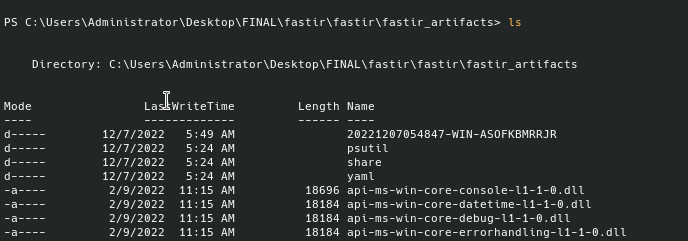
Running FastIR
Link to original
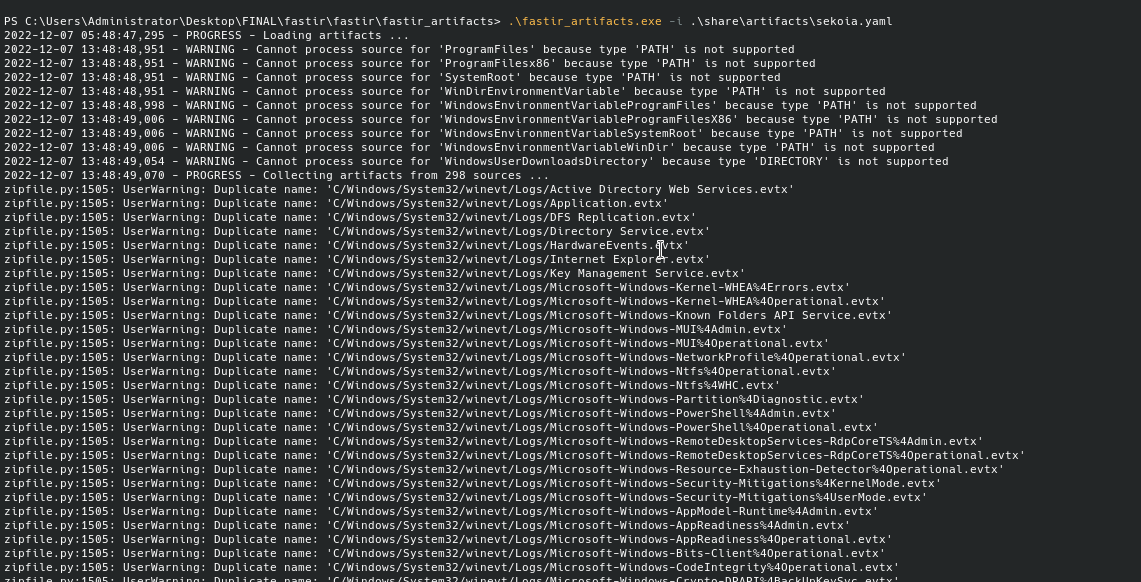

post-processing
timesketch
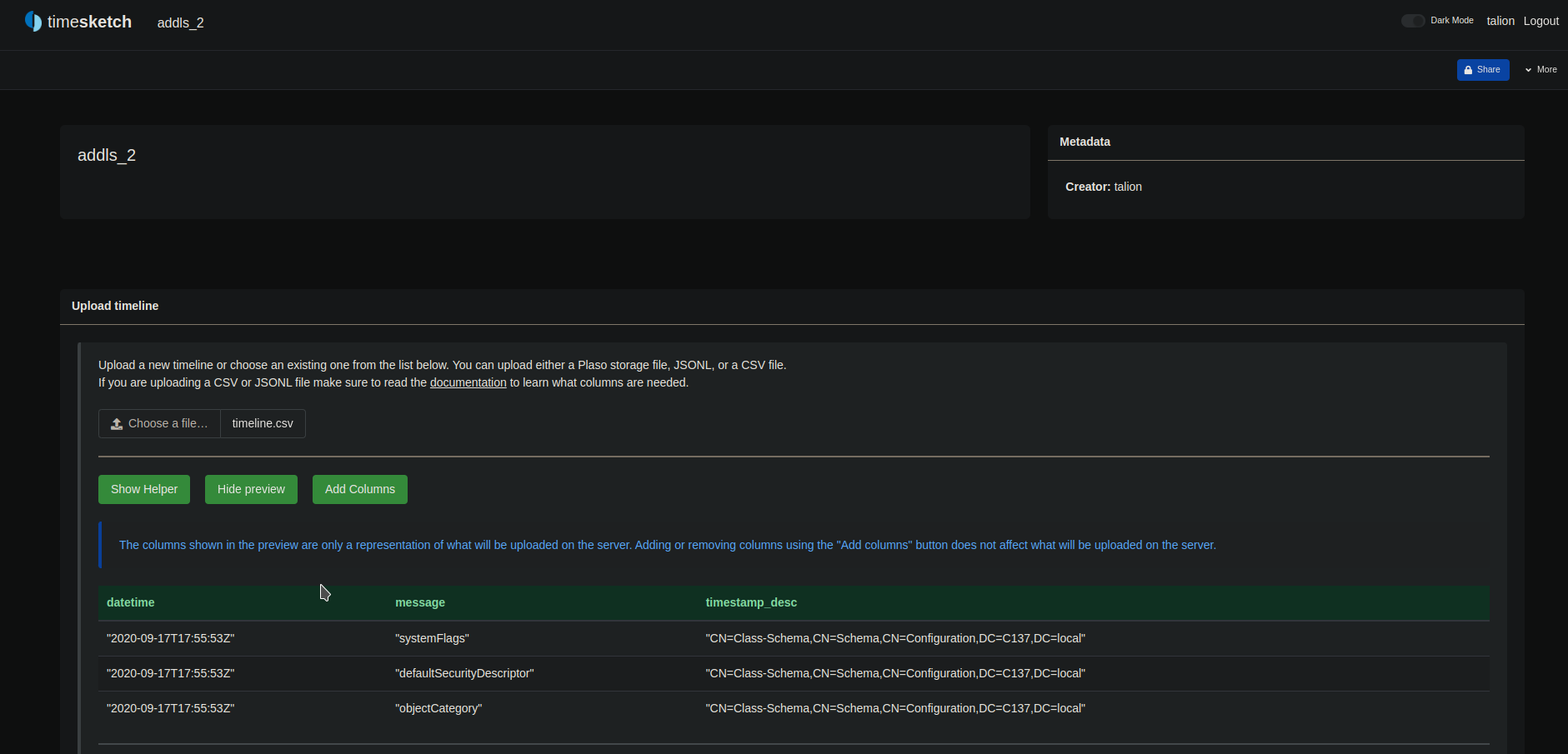
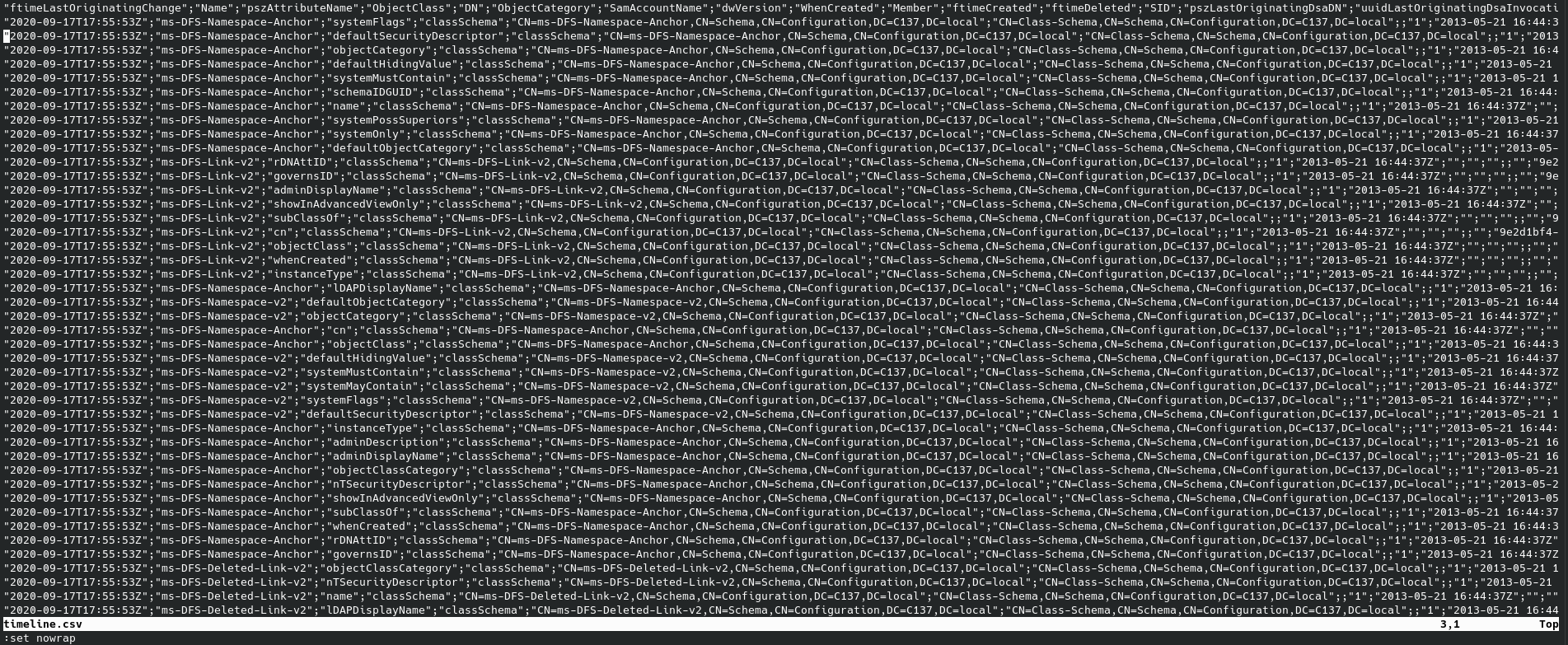
I choose to use my raw csv from ADTimeline output
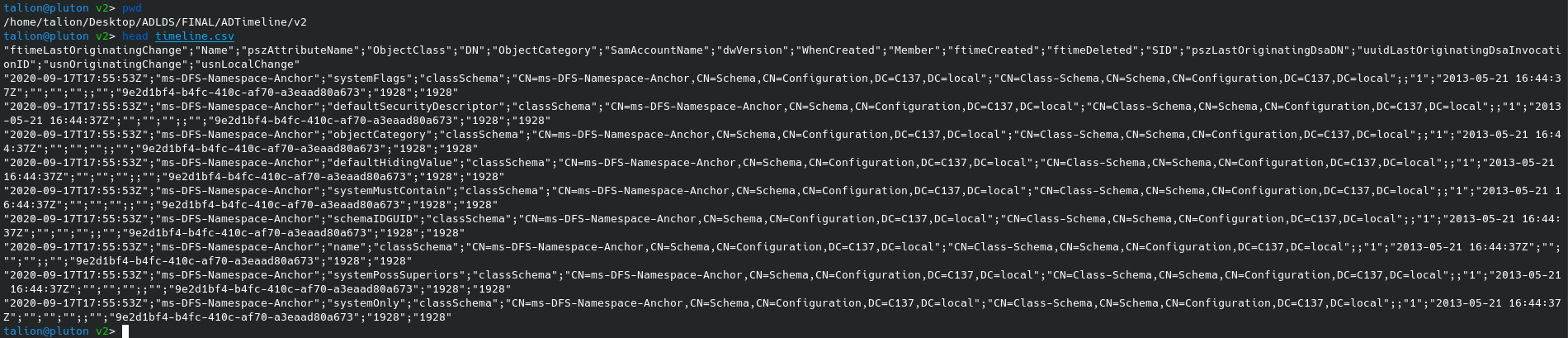
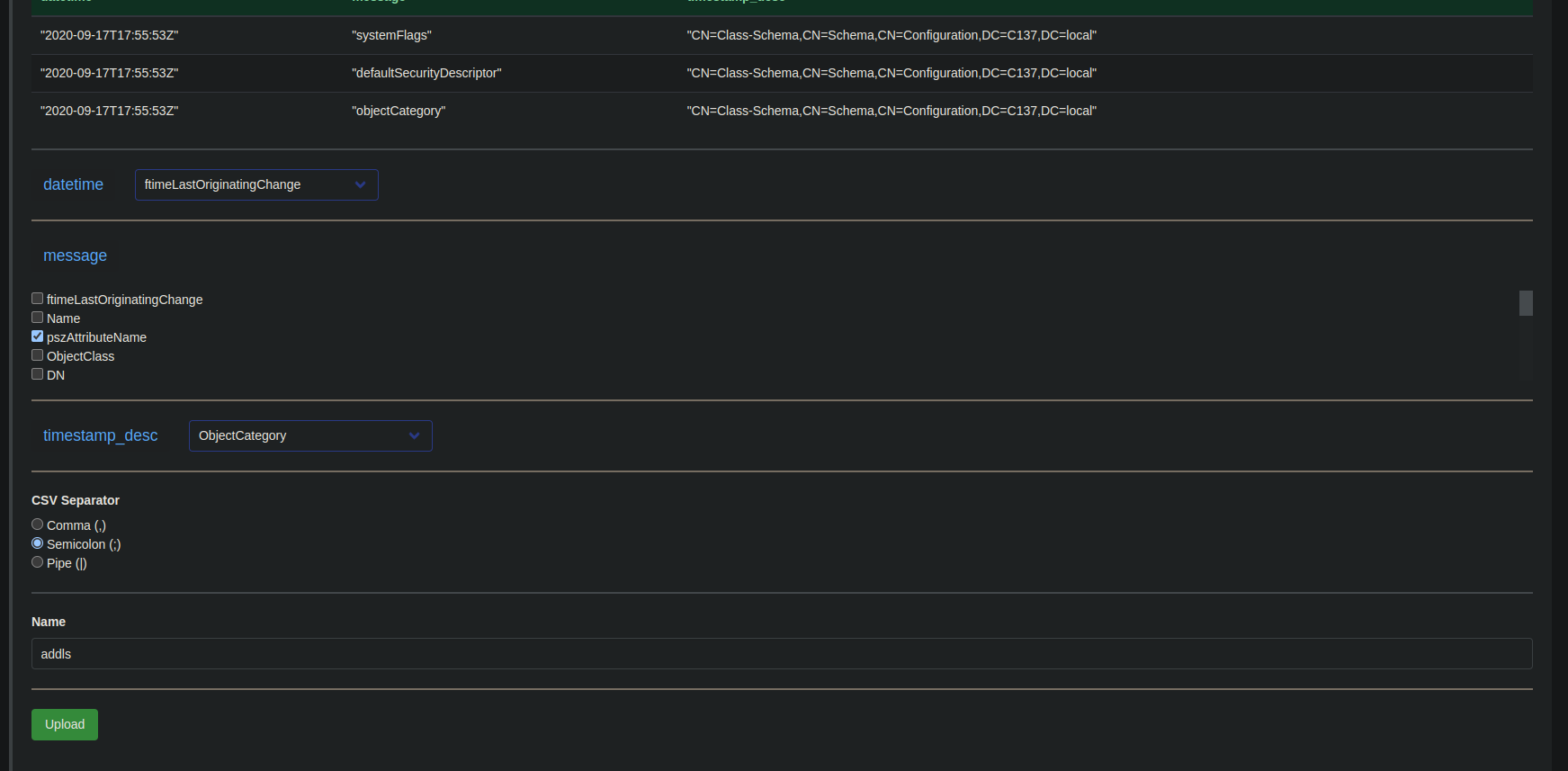
And importing it directly in timesketch, by mapping the correct columns:
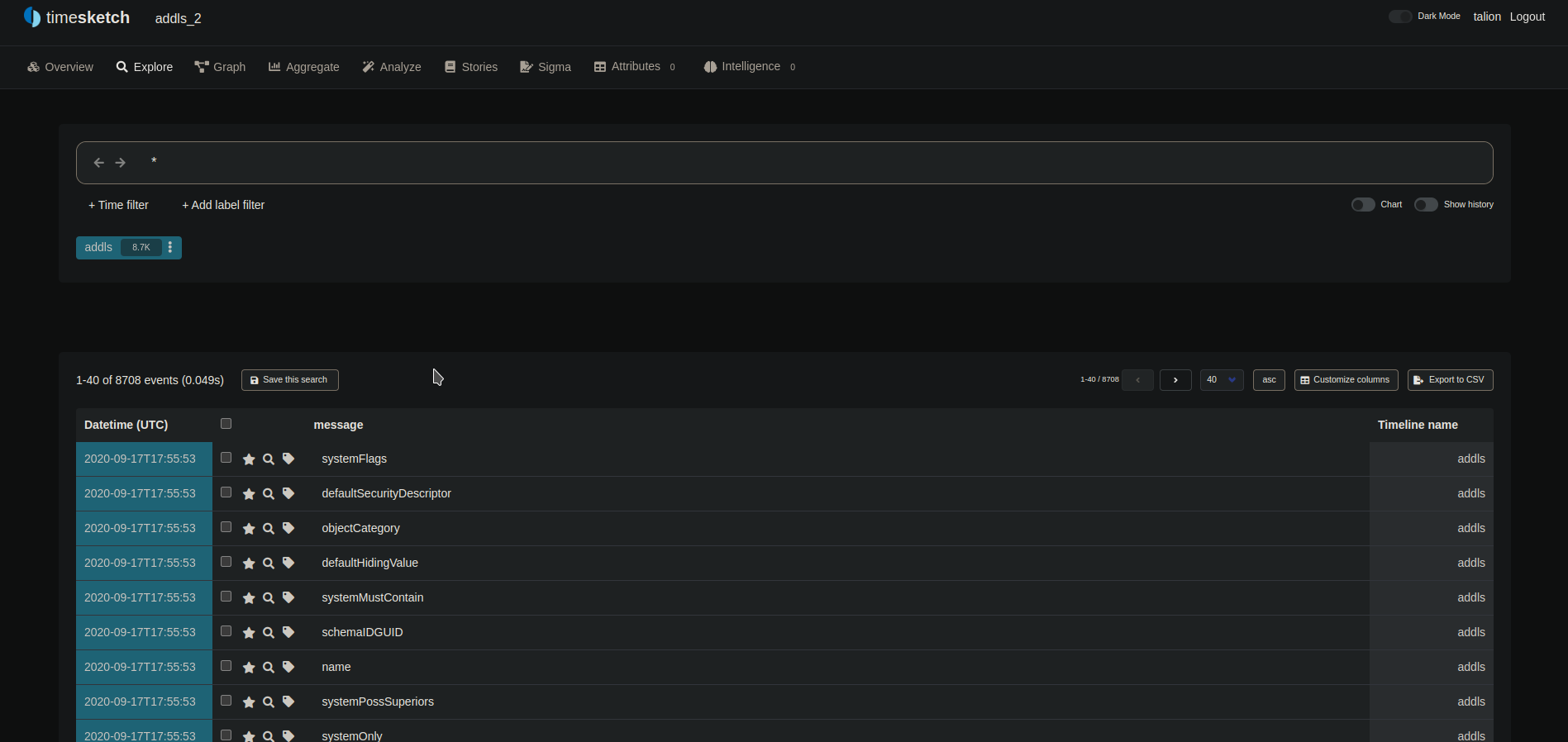
Exploring the data
Link to original
ElasticSearch
Link to original
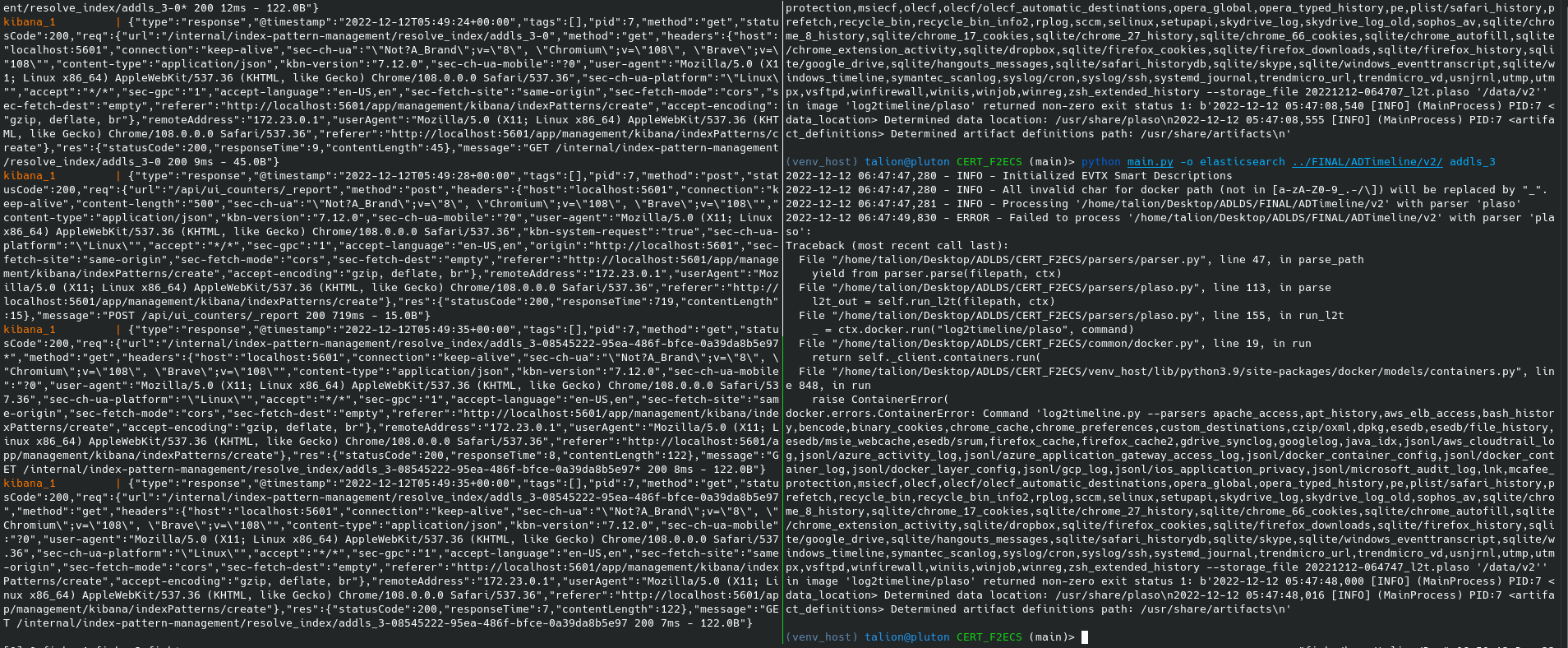
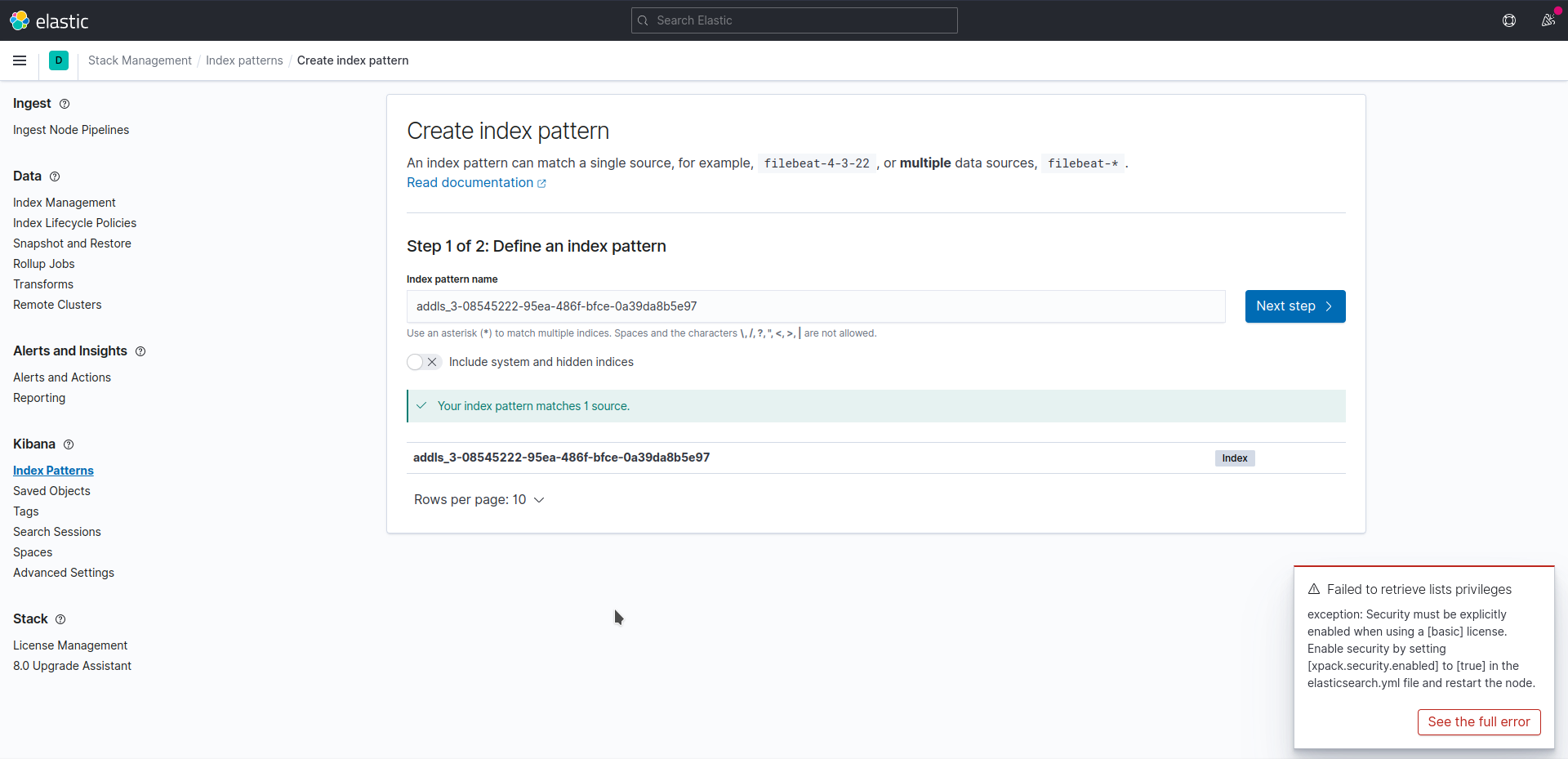
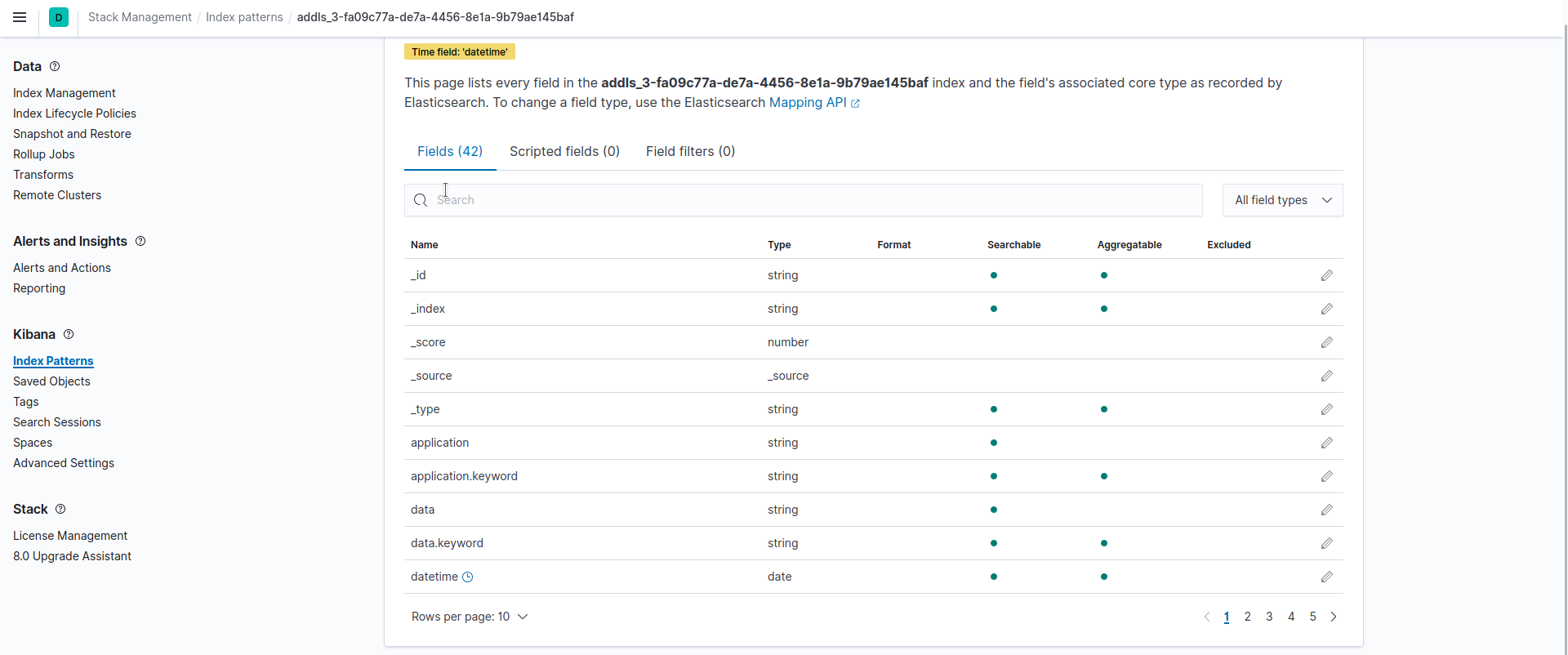
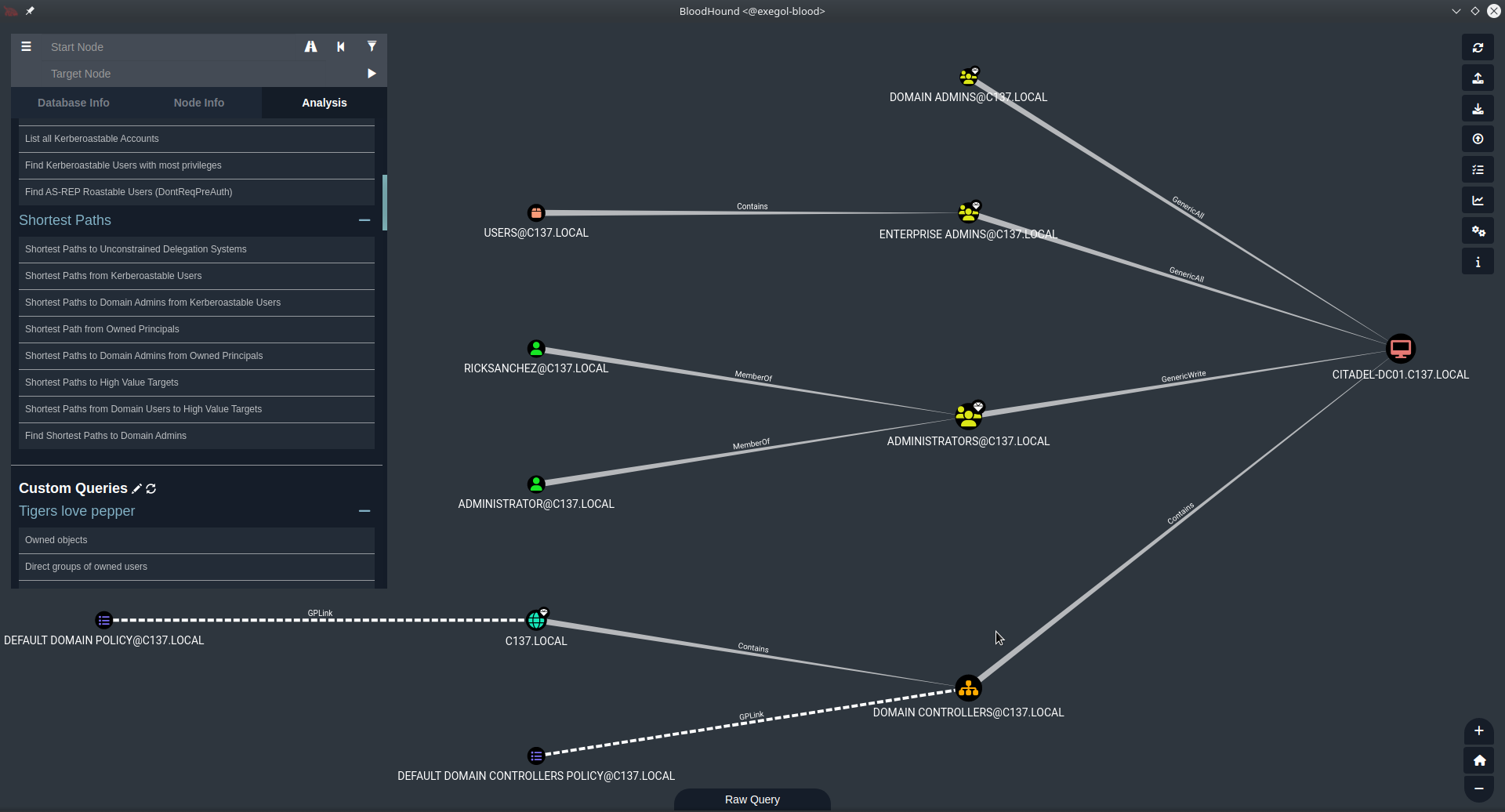
Bloodhound
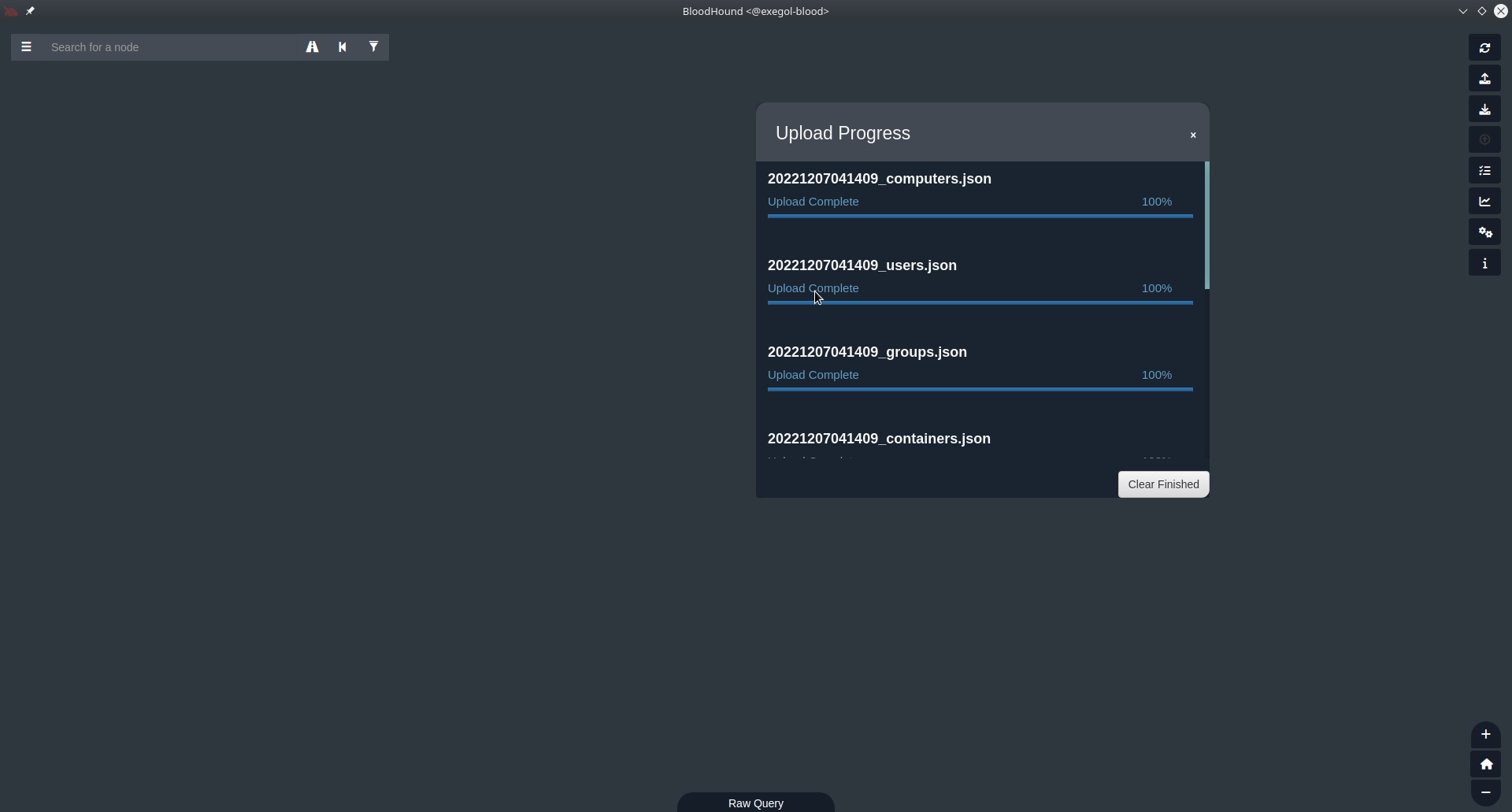
Running neo4j then bloodhound, then importing the archive given by sharphound:
Then I can start using bloodhound to explore the mapping of the AD, here for example I used : “Shortest Paths to Unconstrained Delegation System”
Link to original
F2ECS
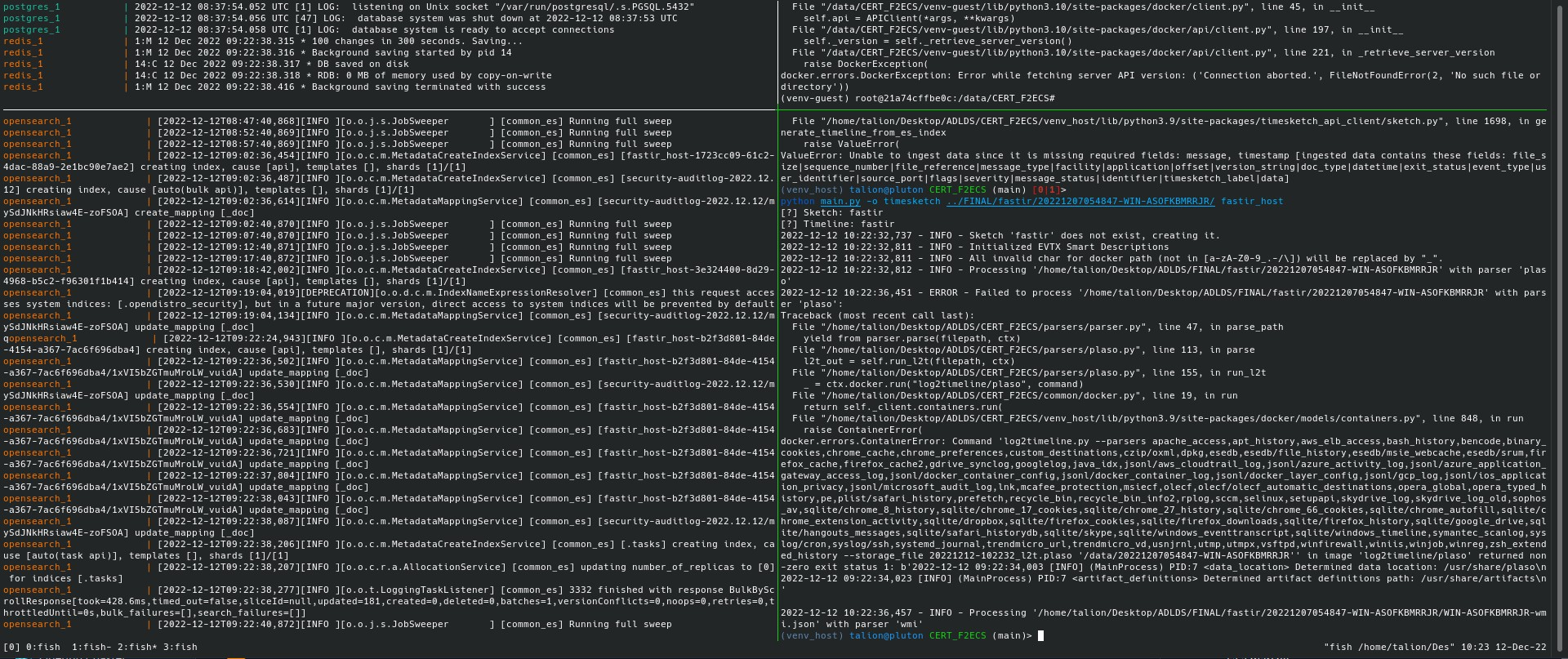
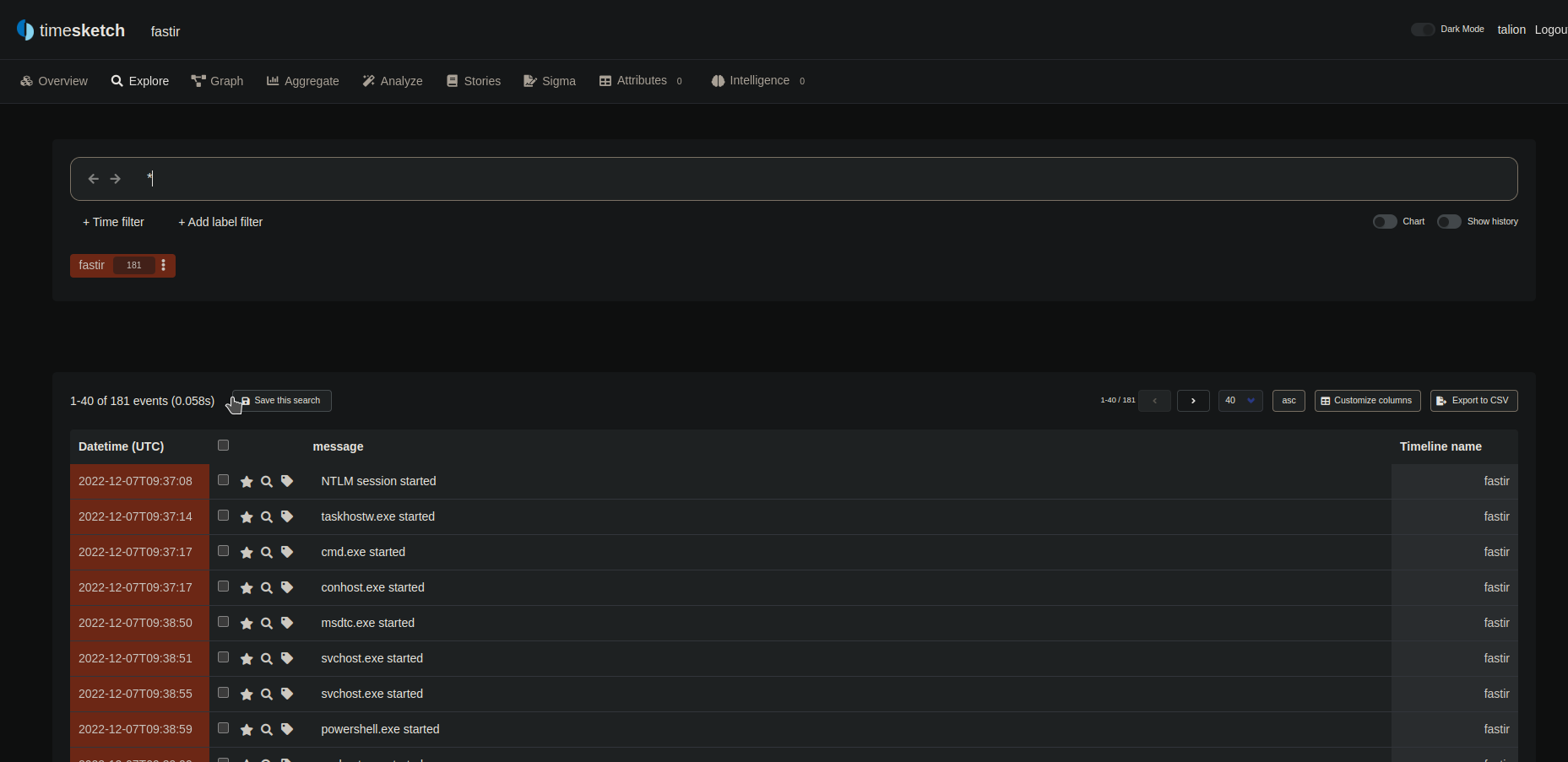
Running F2ECS directly on my fastir output directory give me the following result:
181 events, that’s not so much
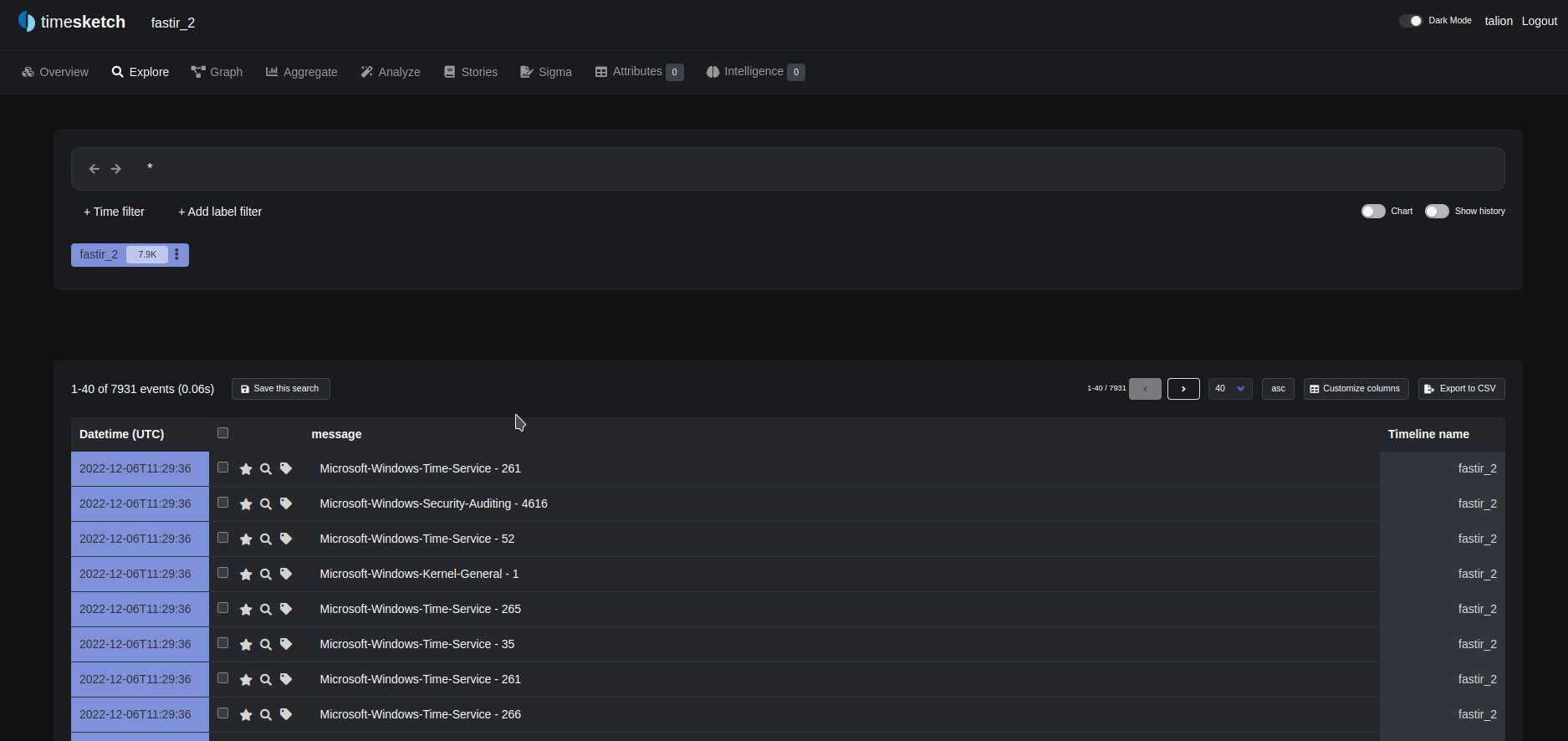
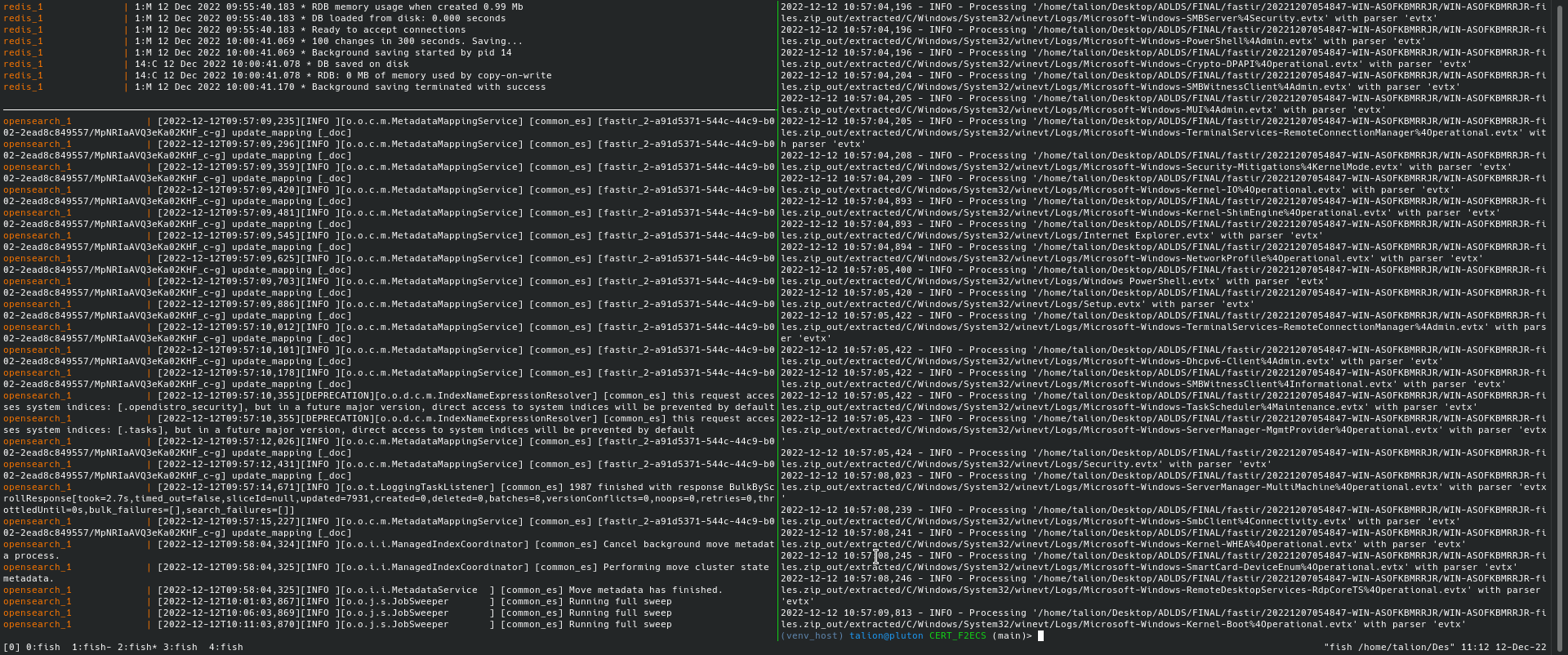
Running F2ECS on the zip archive from the fastir output directory, give me the following result:
 Link to original
7.9K event, that better !